











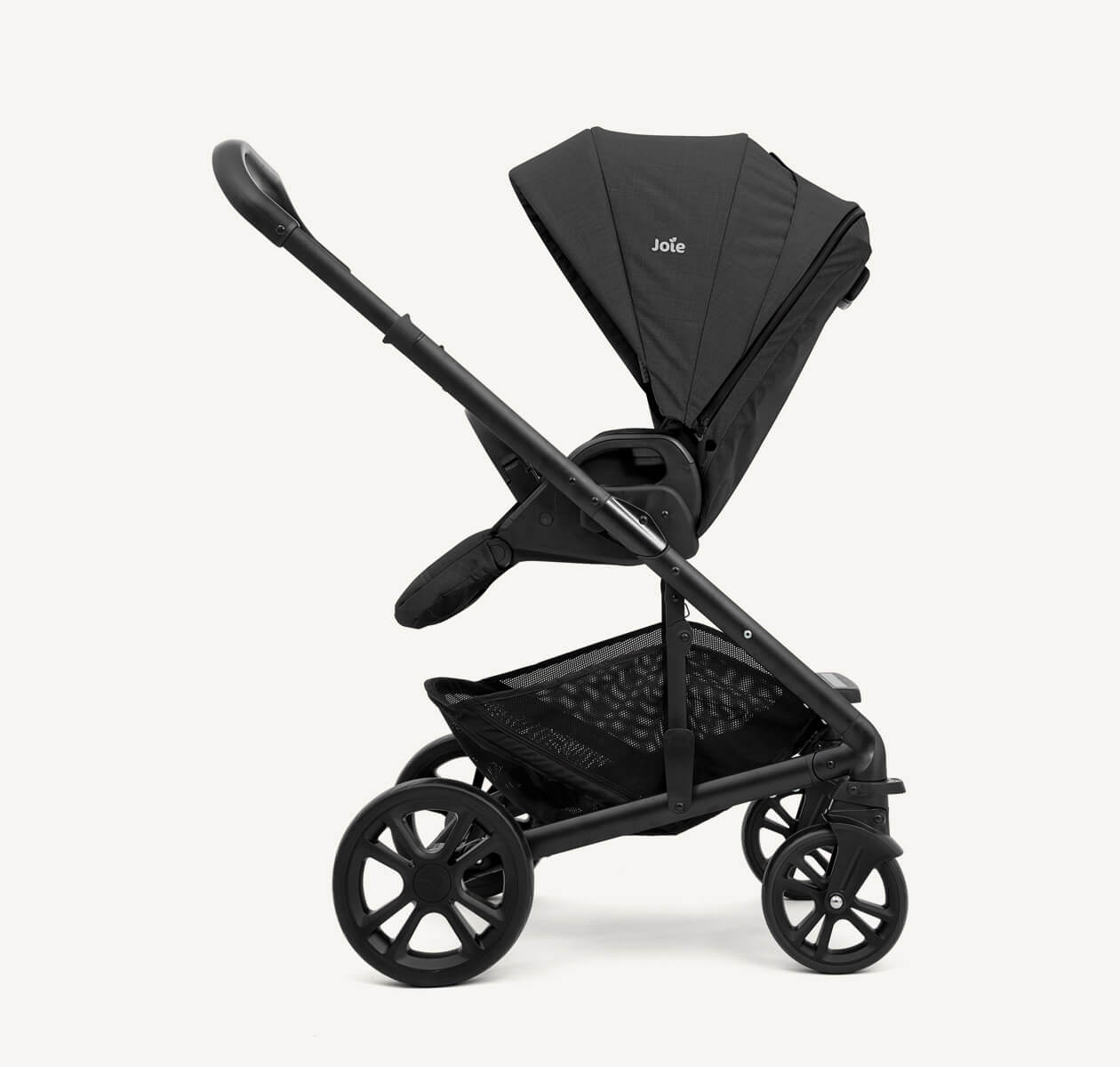
 Strollers
 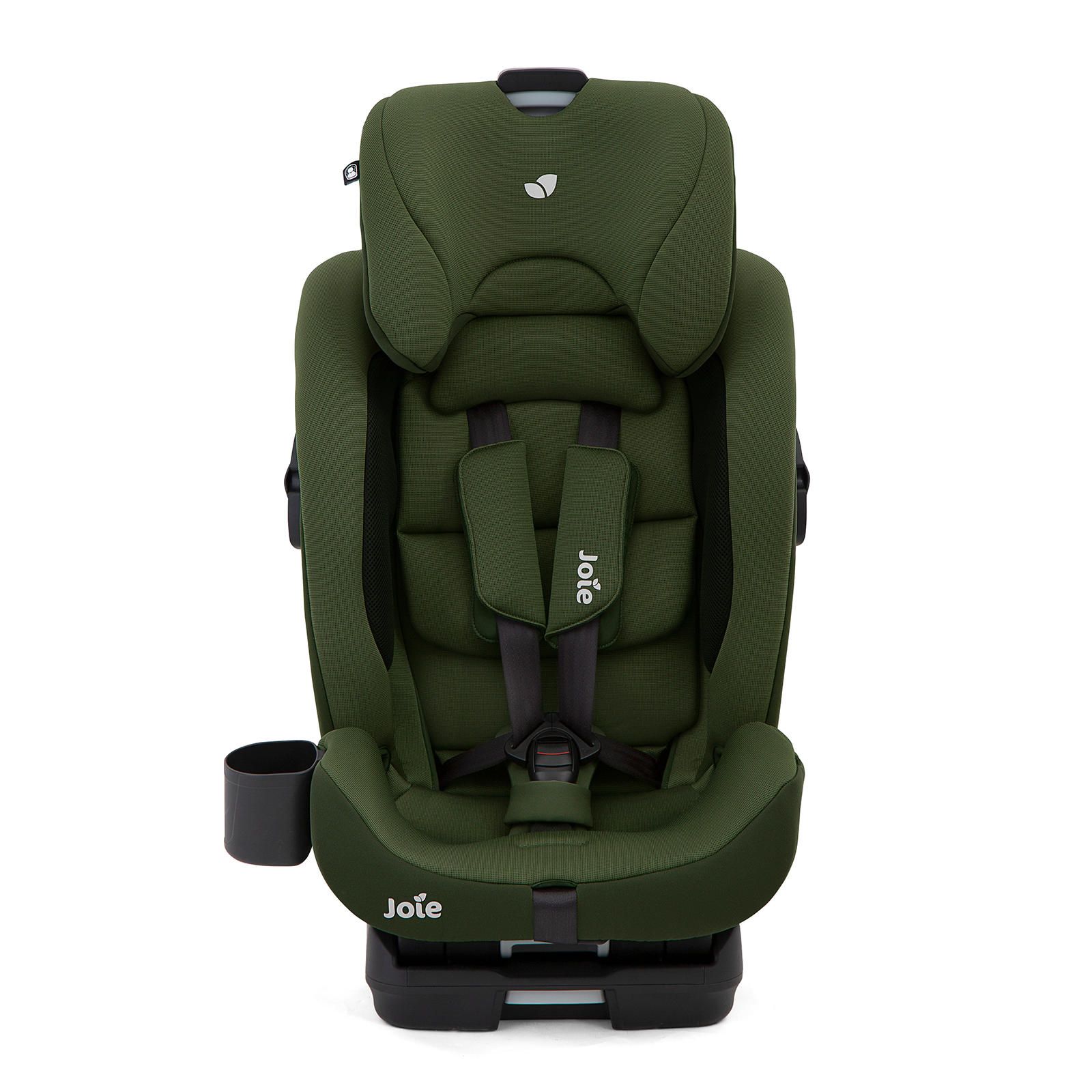 Car Seats
 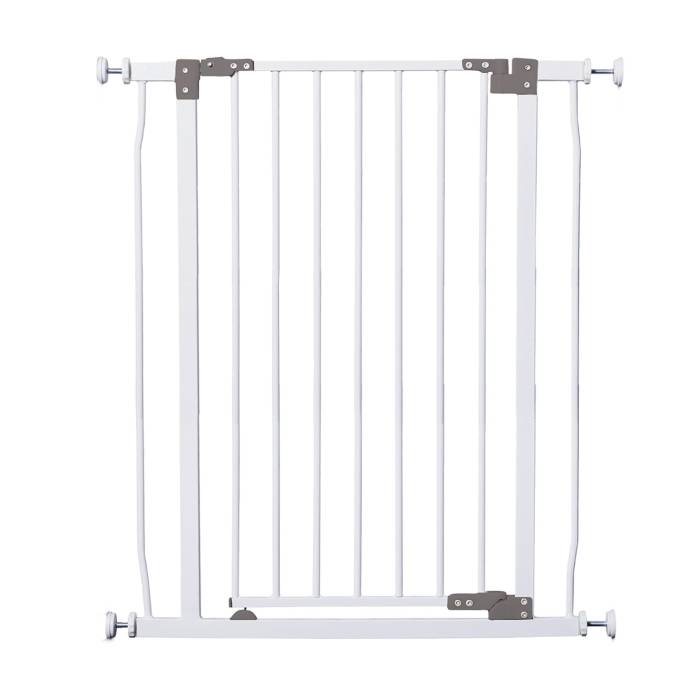 Safety Gates
 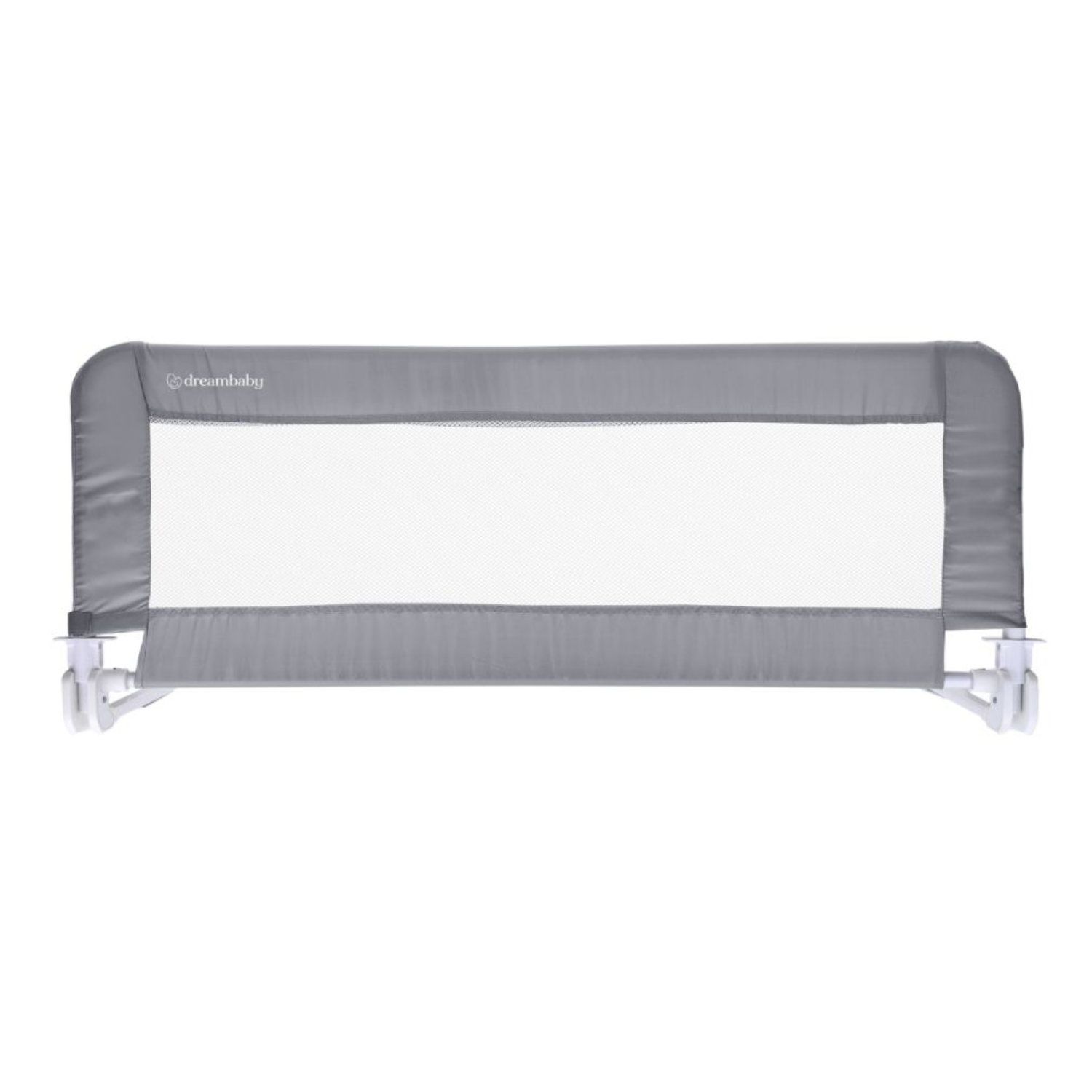 Bed Rails
 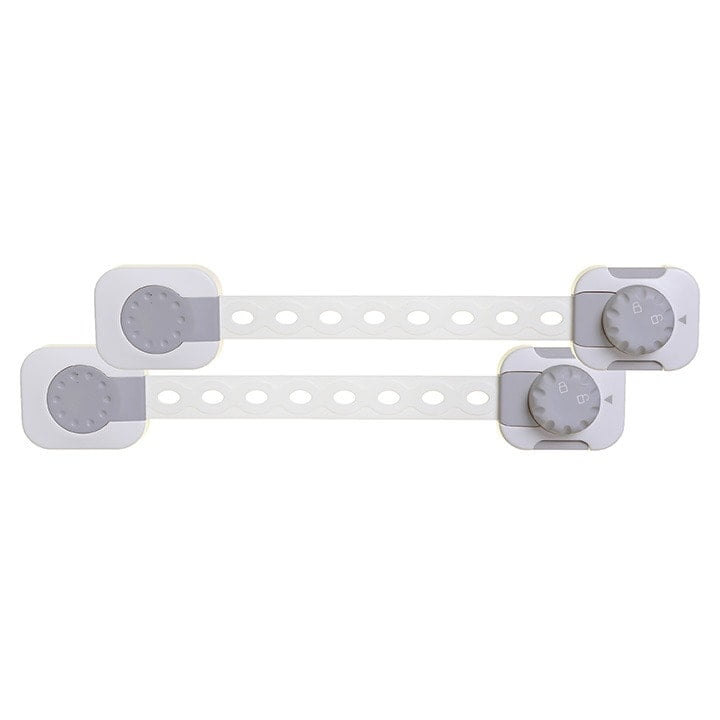 Babyproofing
 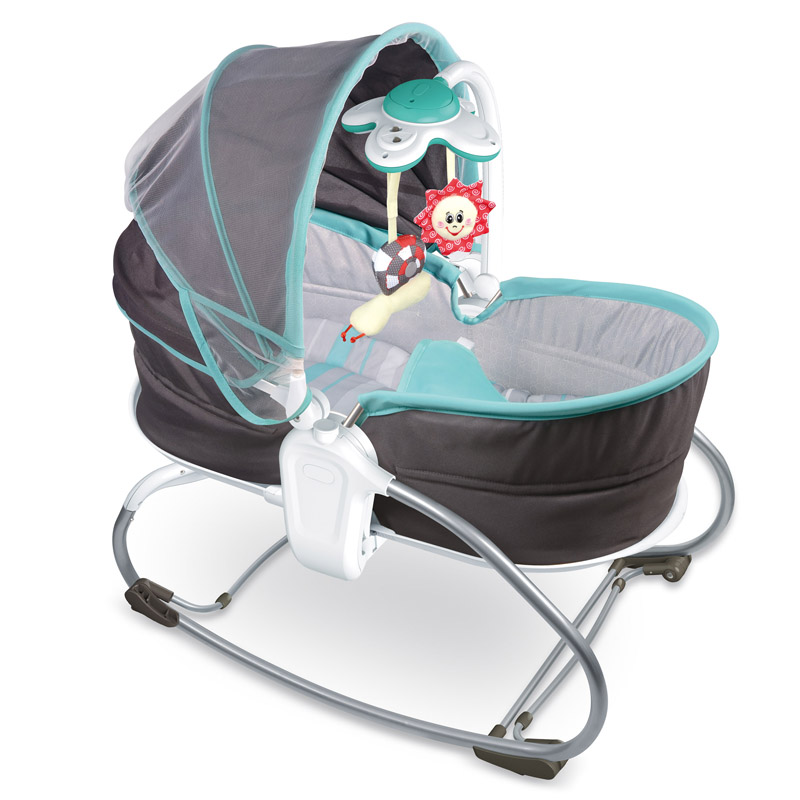 Sleep & Travel Beds
 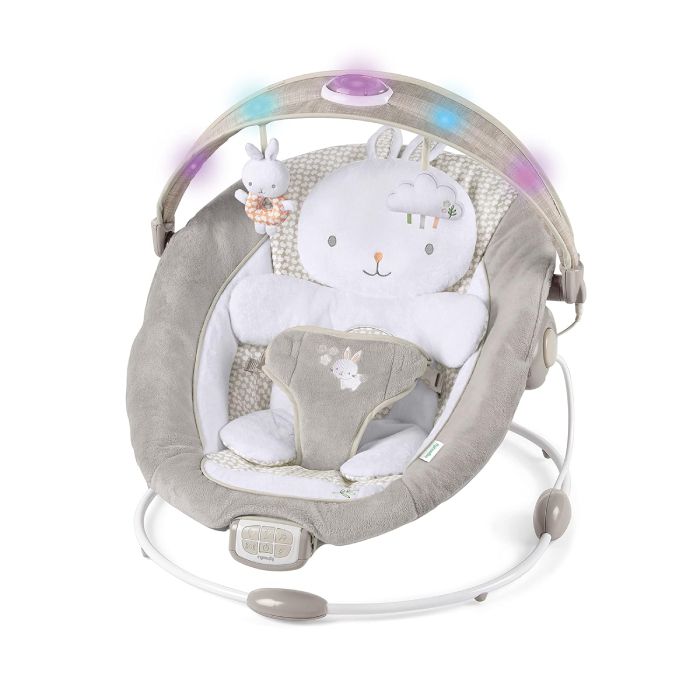 Bouncers & Rockers
  Jumpers & Playmats
 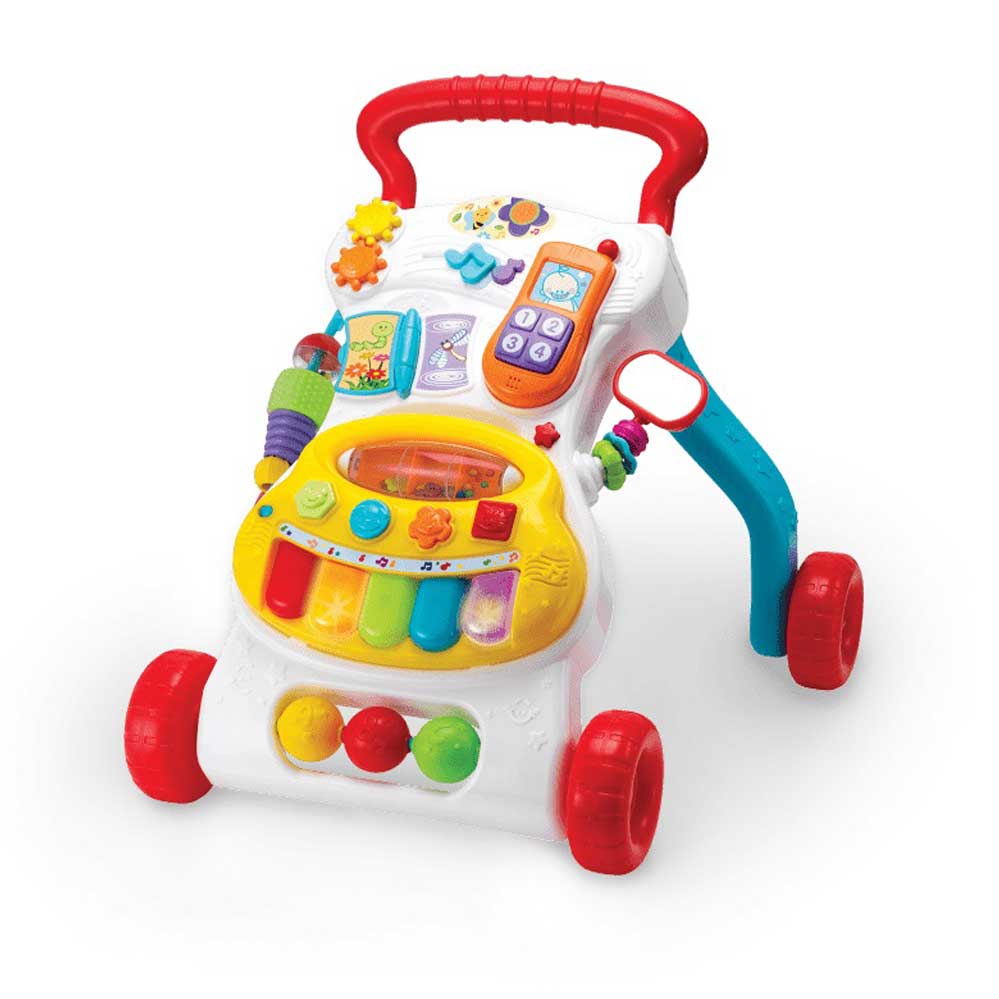 Walkers
 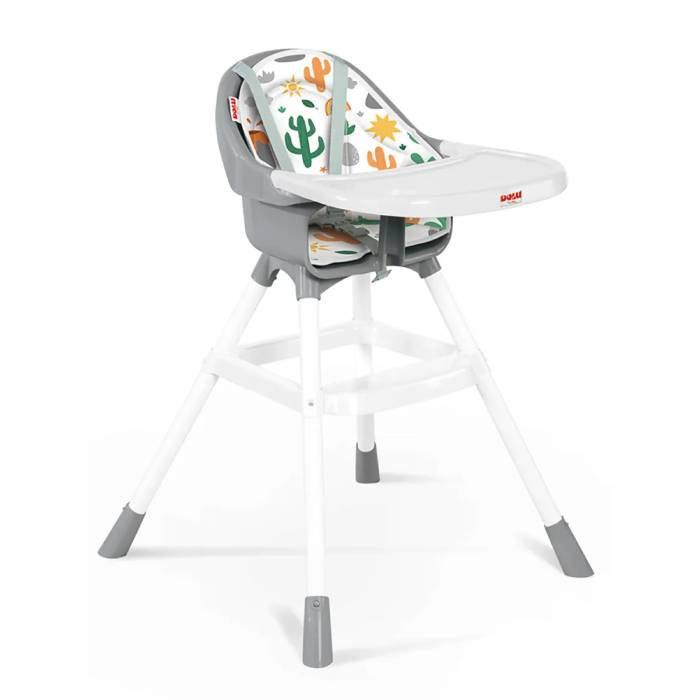 High Chairs
 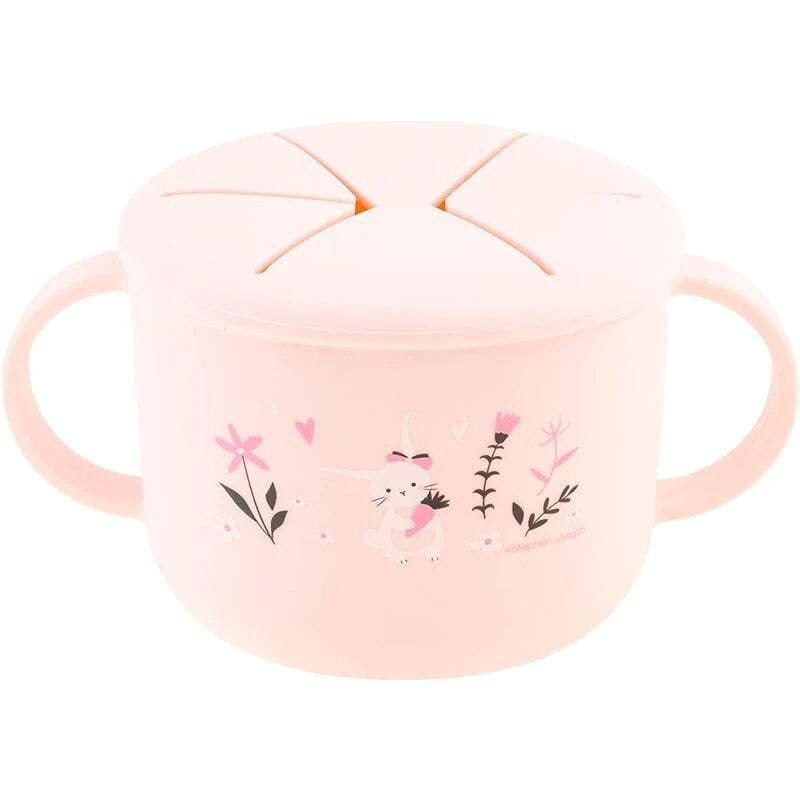 Feeding Essentials
 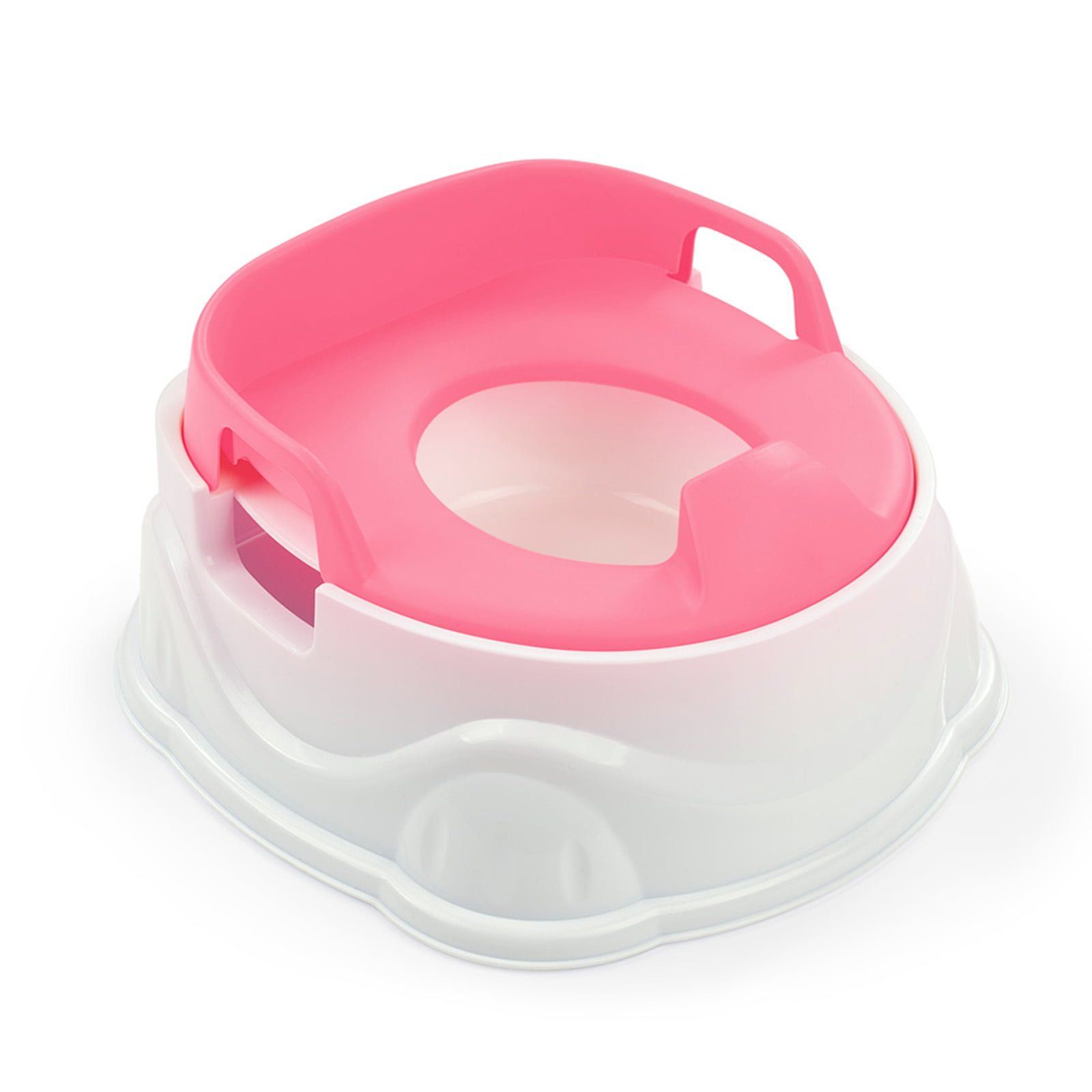 Potty Training
 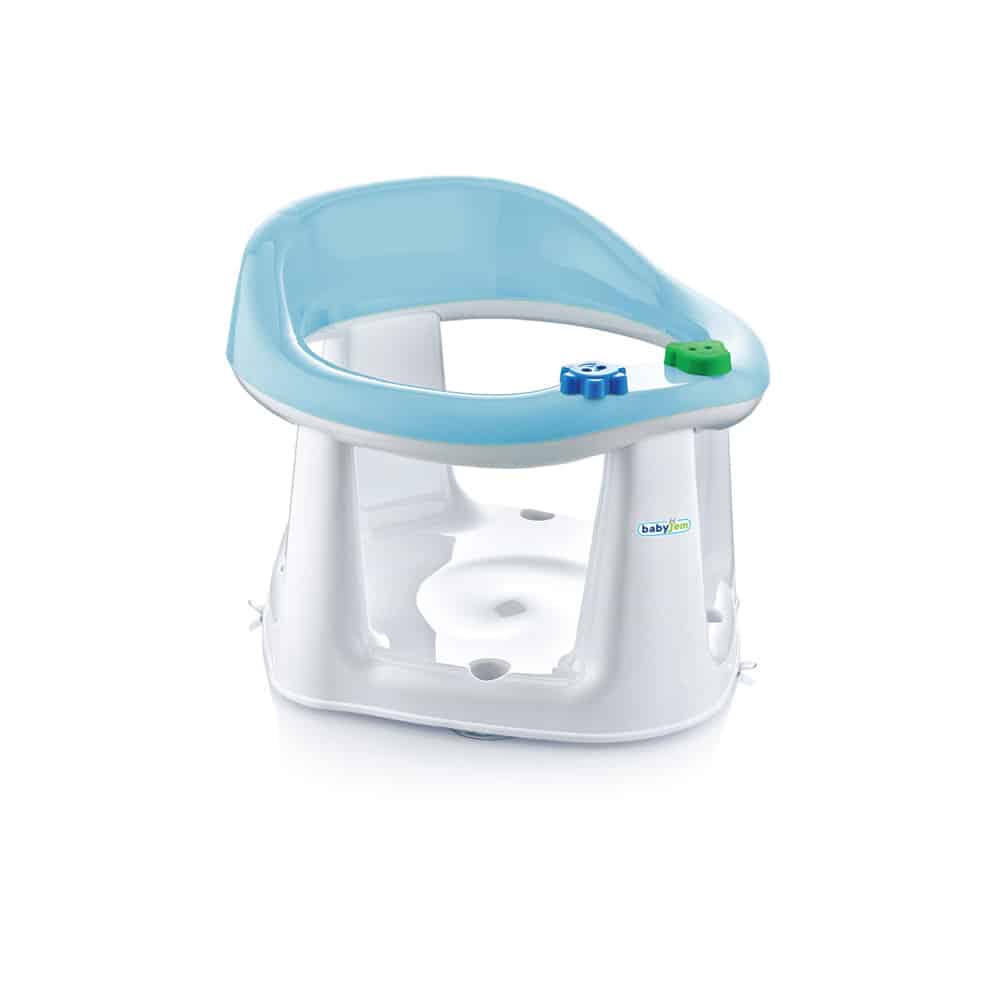 Bath Seats & Essentials
 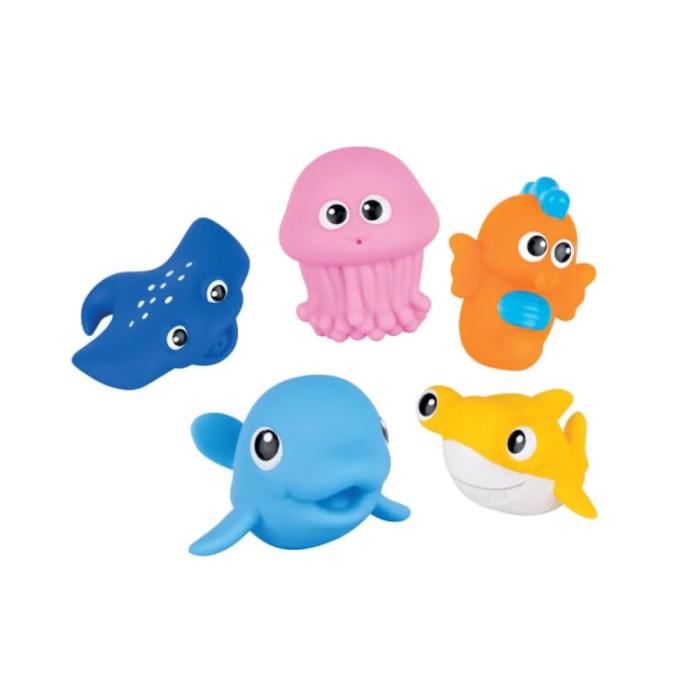 Bath Toys
  Teethers & Rattles
  Baby Toys




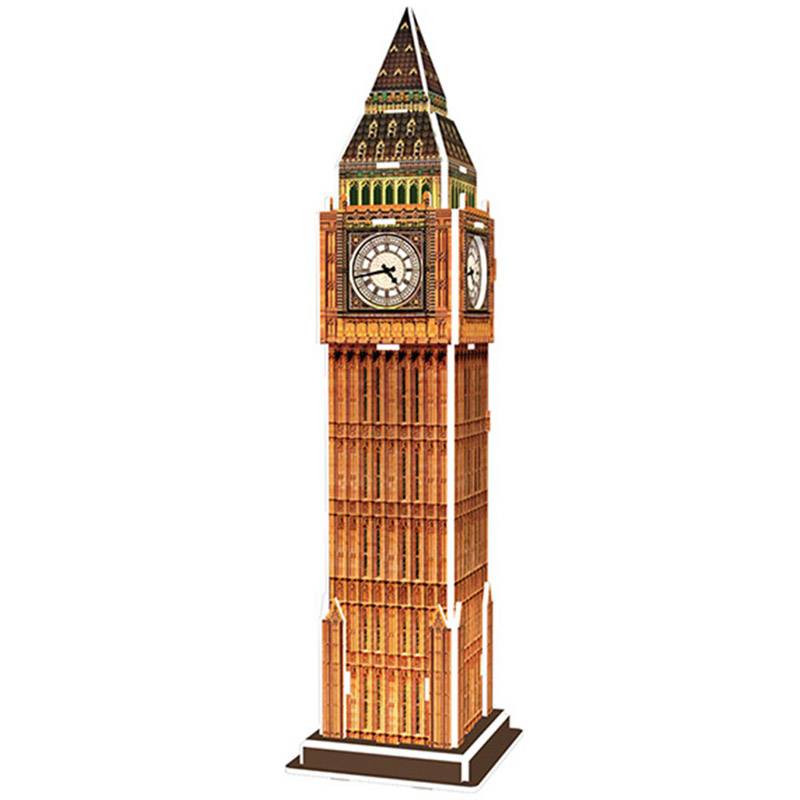 3D Puzzles
  Puzzles
 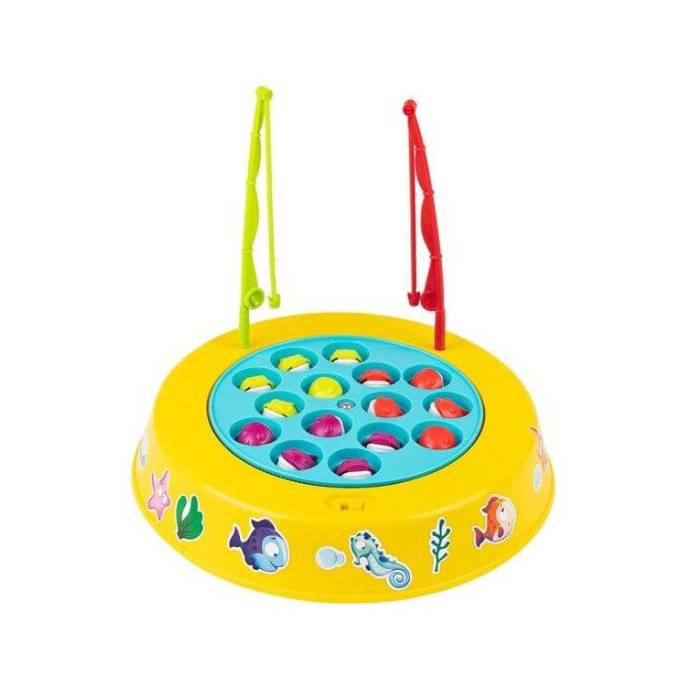 Family Games
 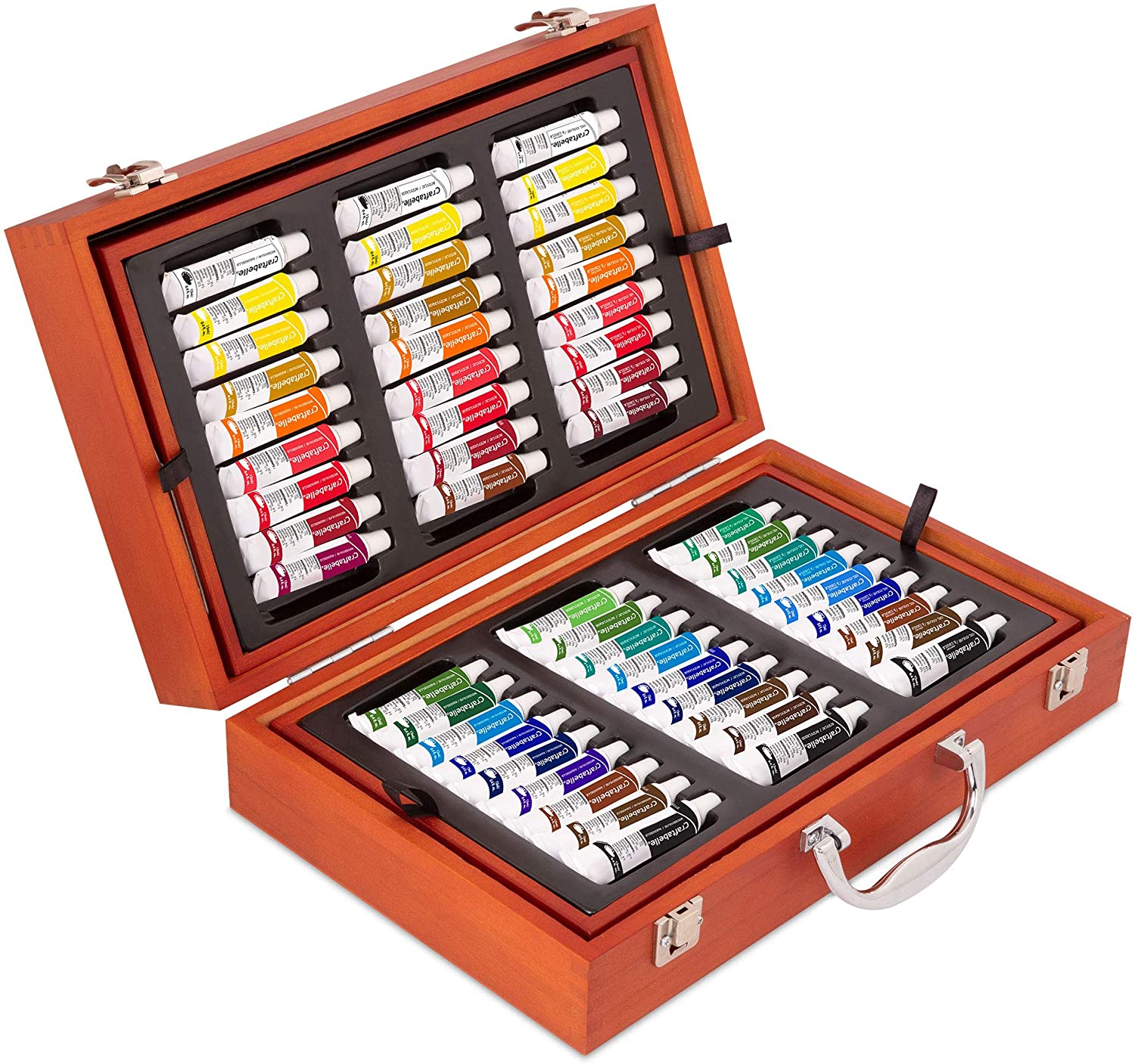 Arts & Crafts
 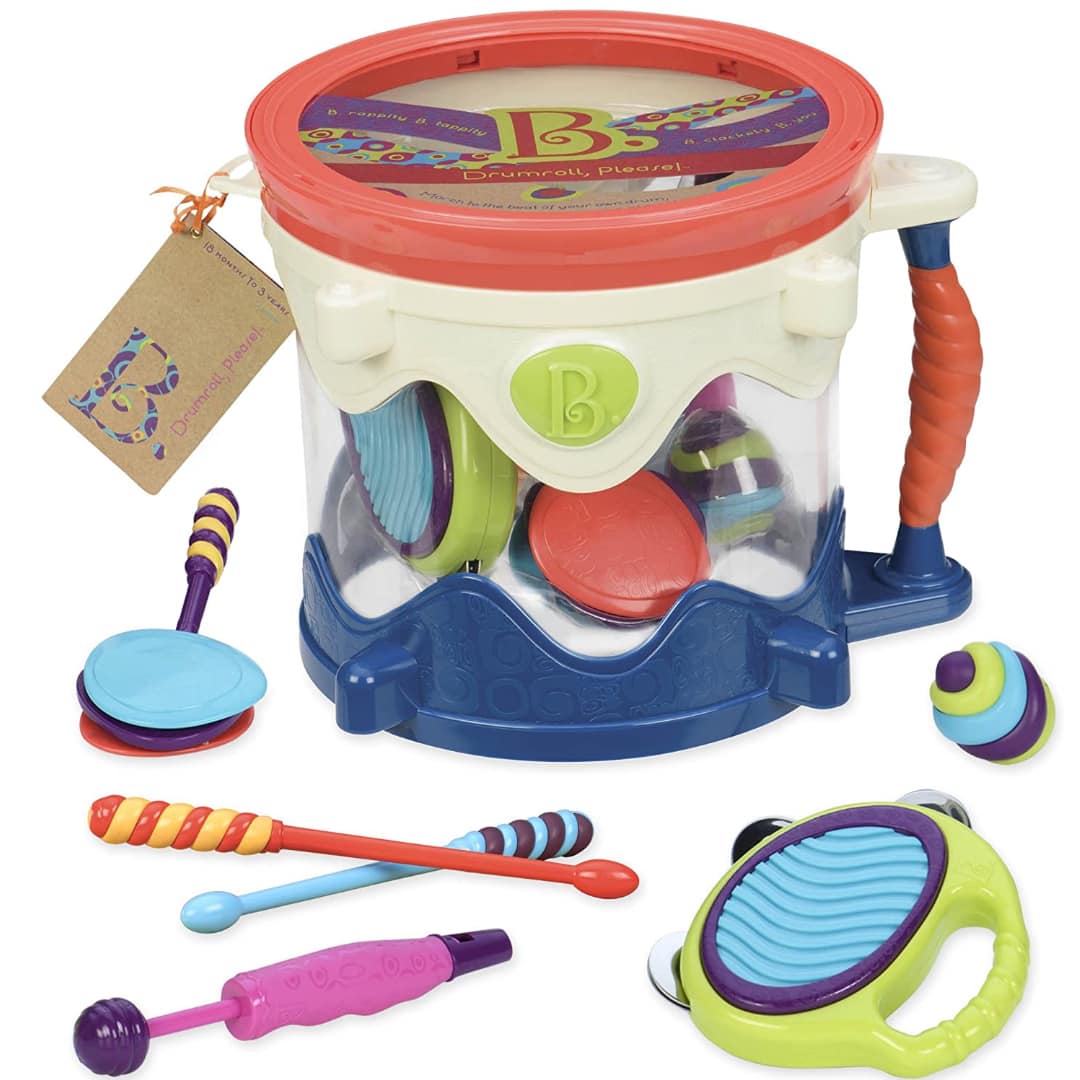 Musical Toys
 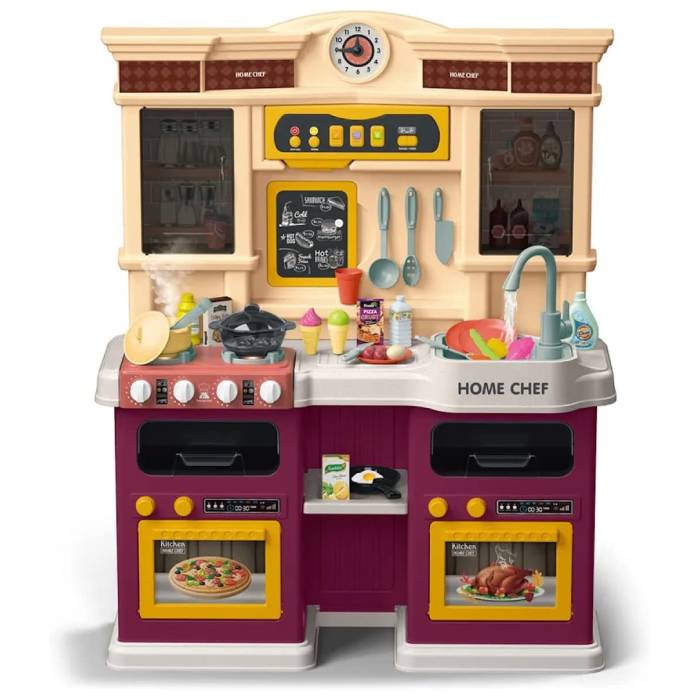 Kitchens
 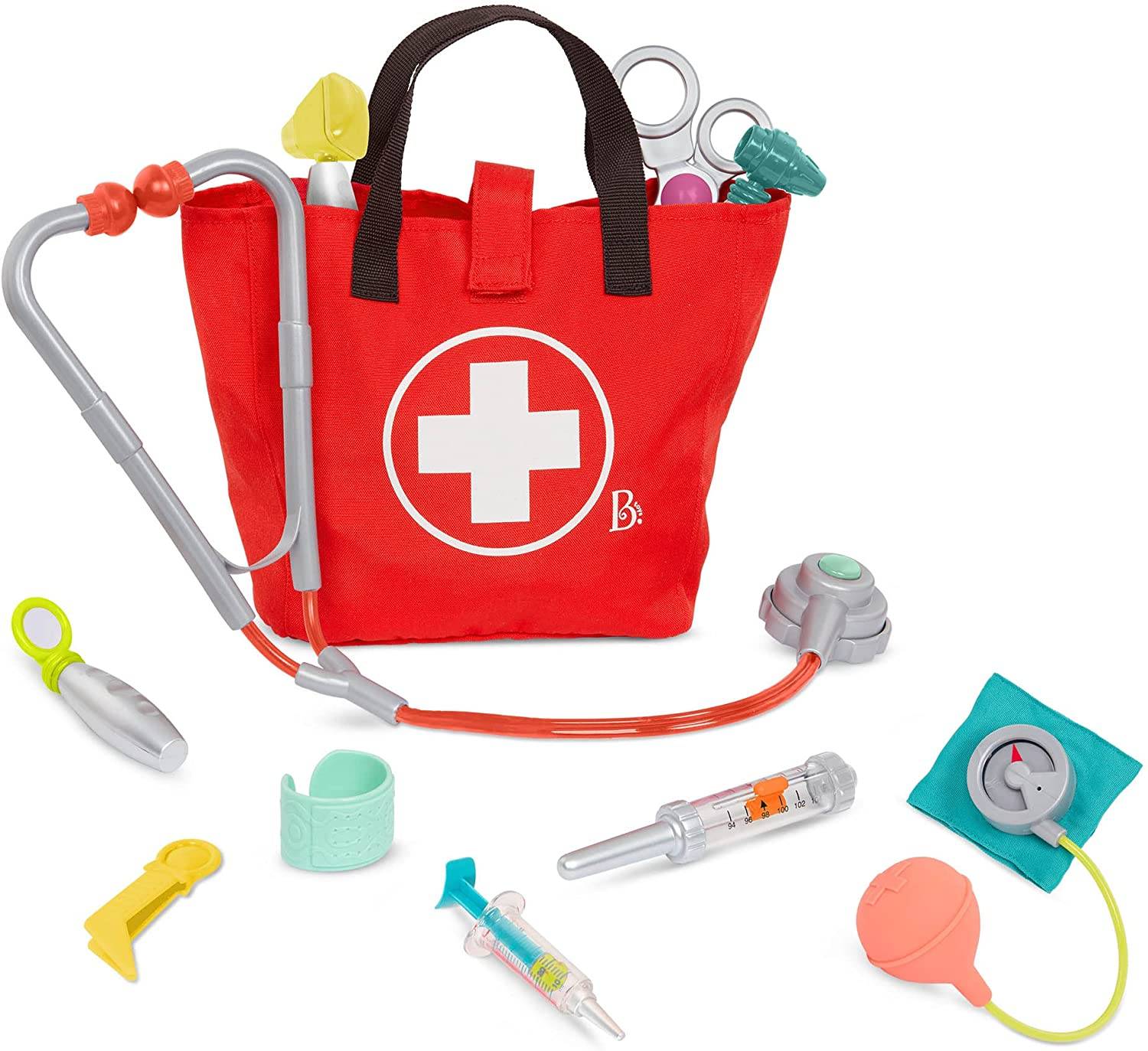 Pretend Play
  Action Figures
 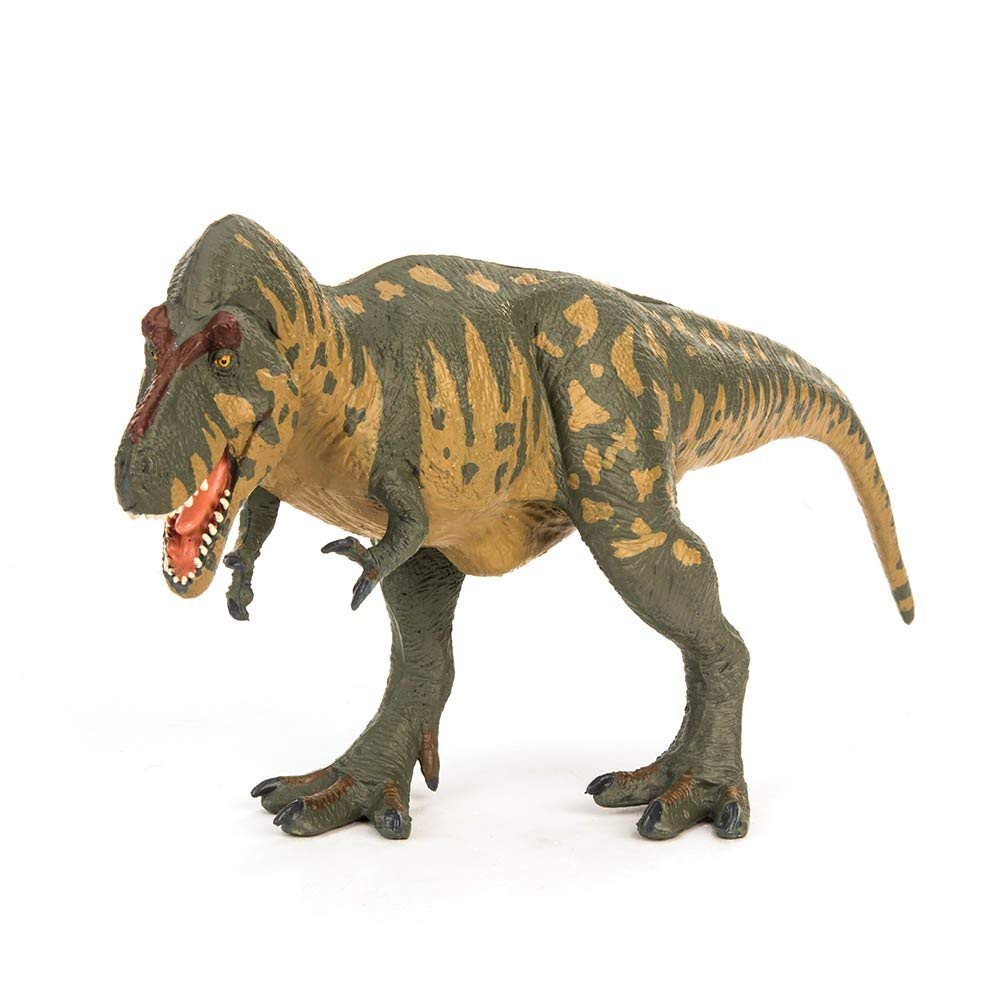 Animal Figures
  Dolls
Dolls 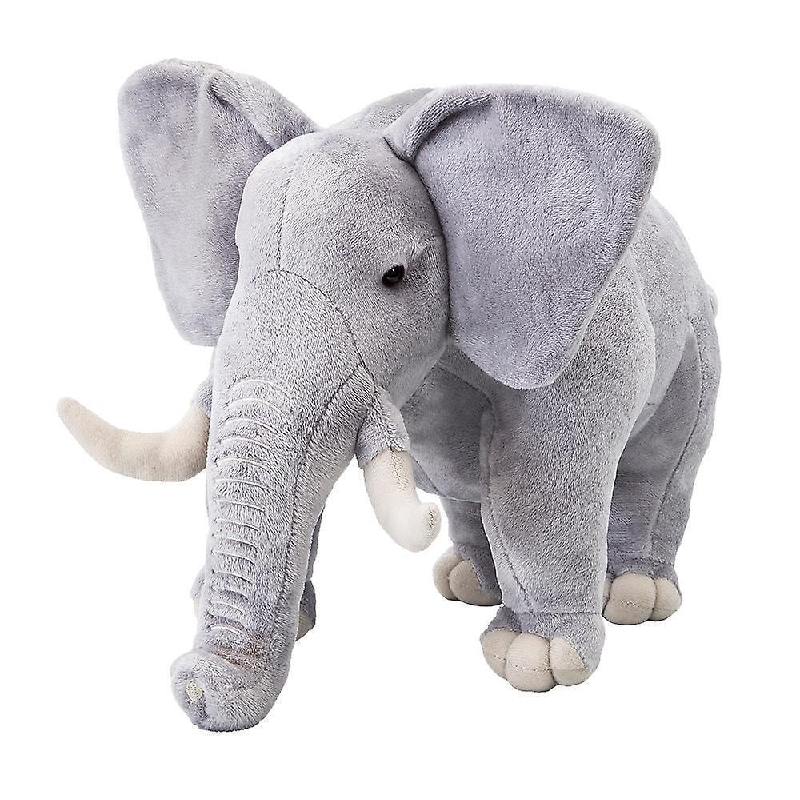 Plush Toys
 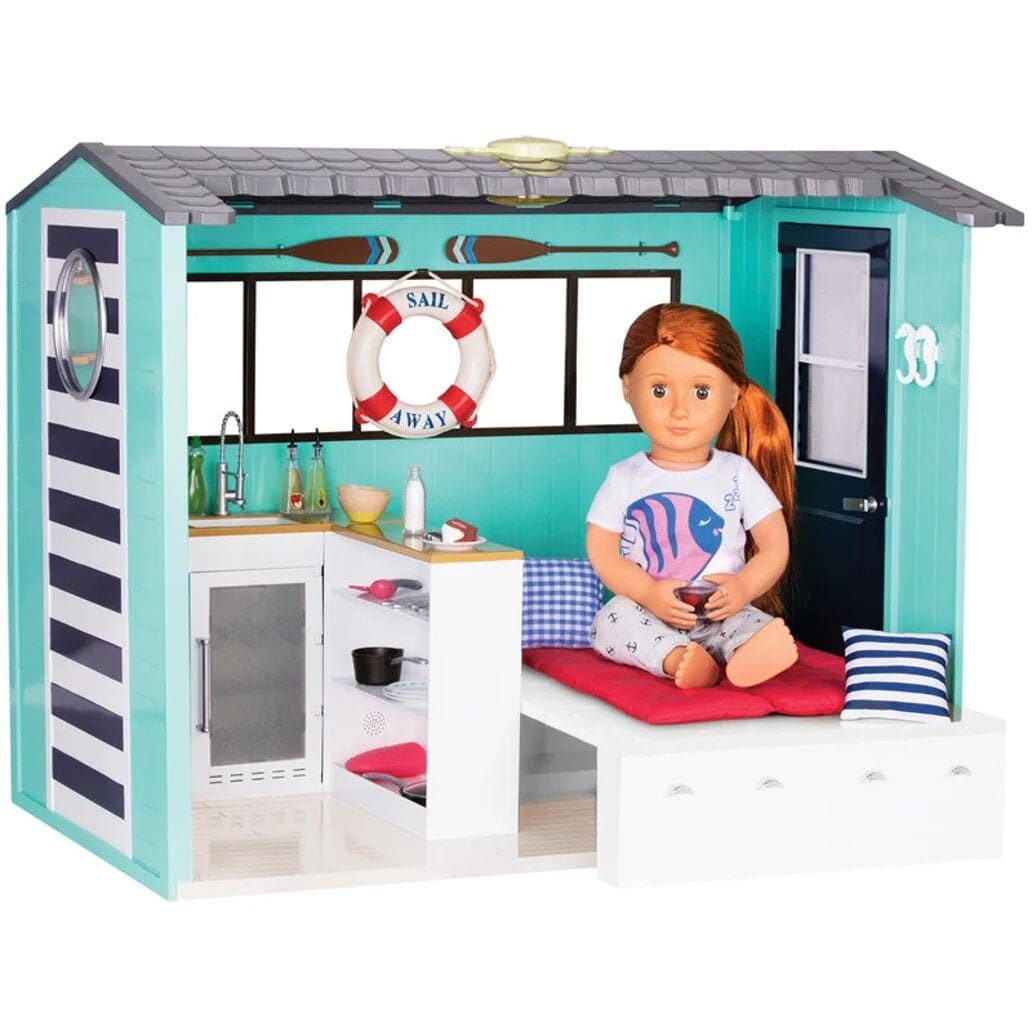 Doll House & Accessories
  Ride-On
 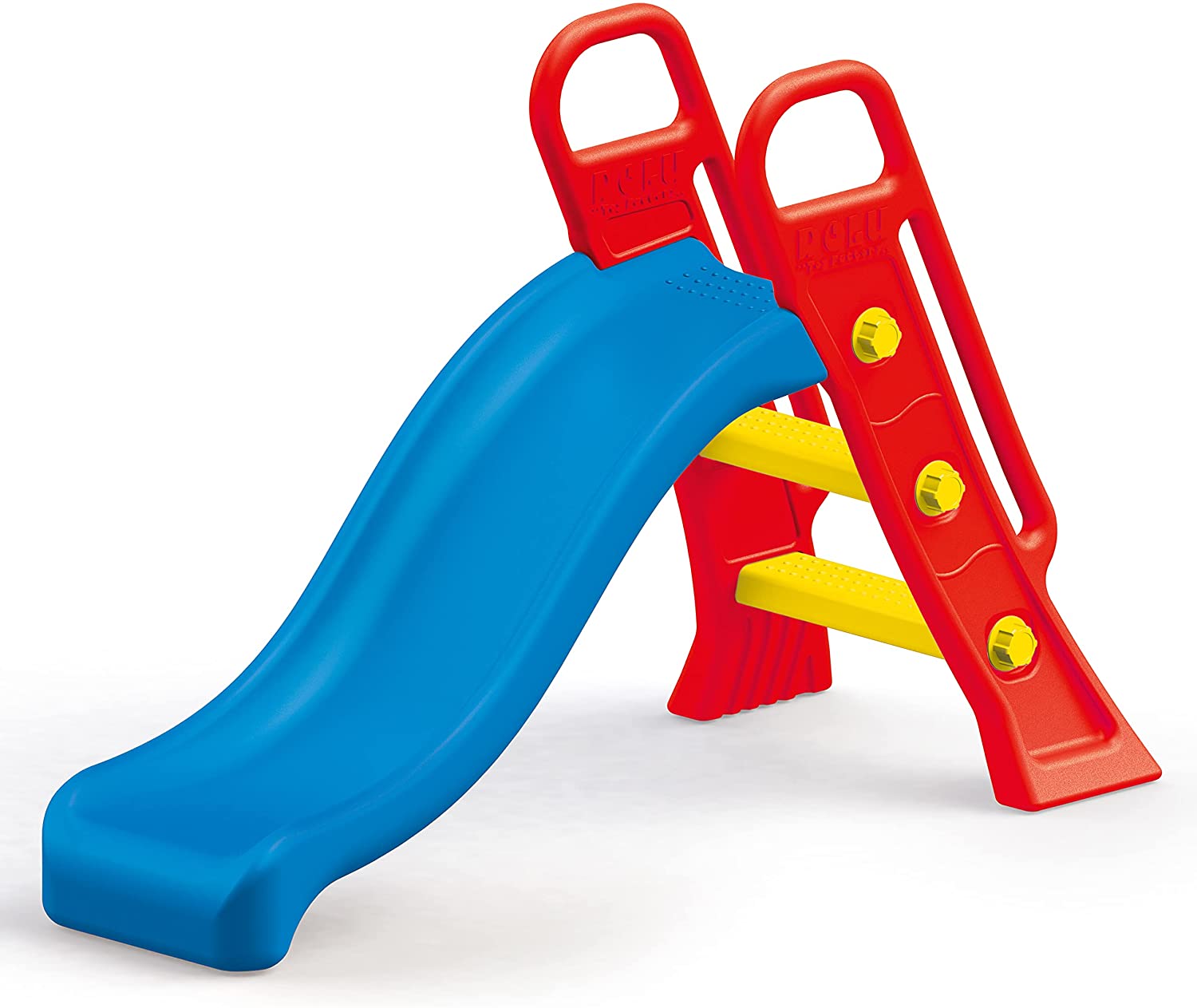 Outdoor Toys
 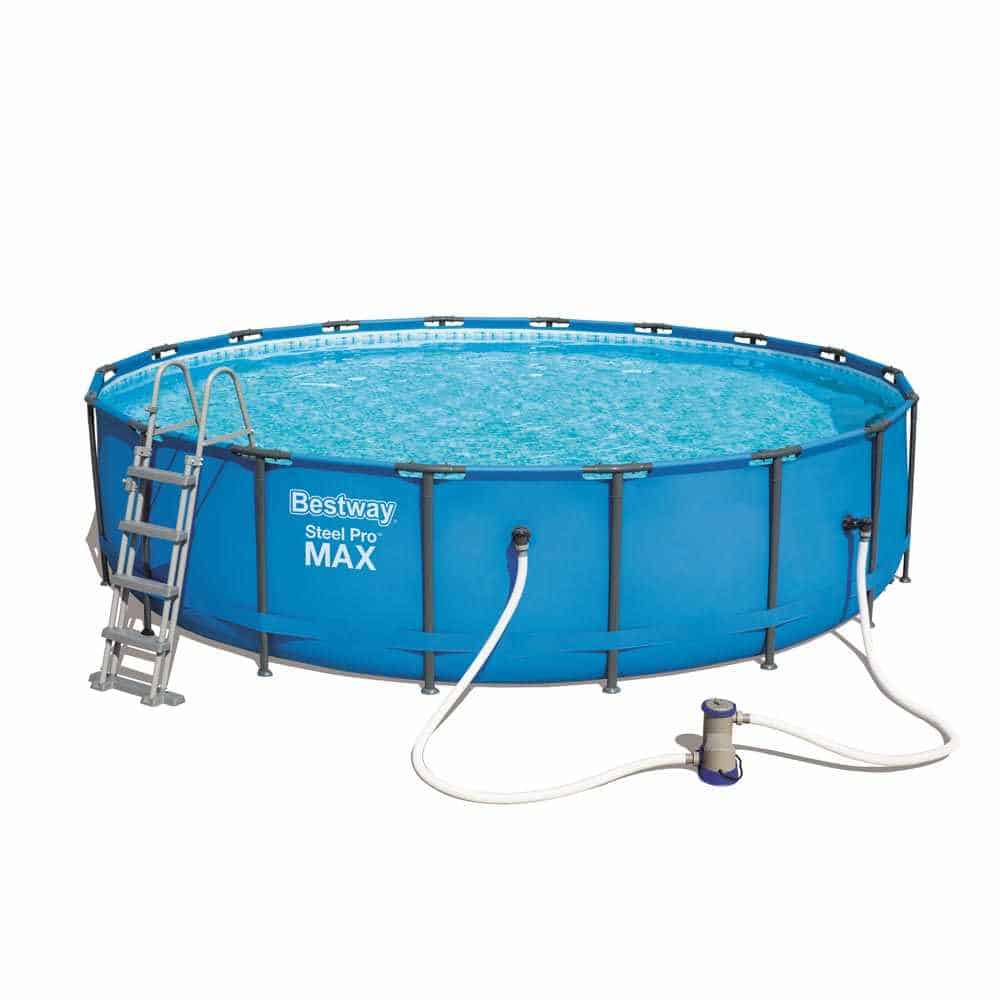 Pools
Pools 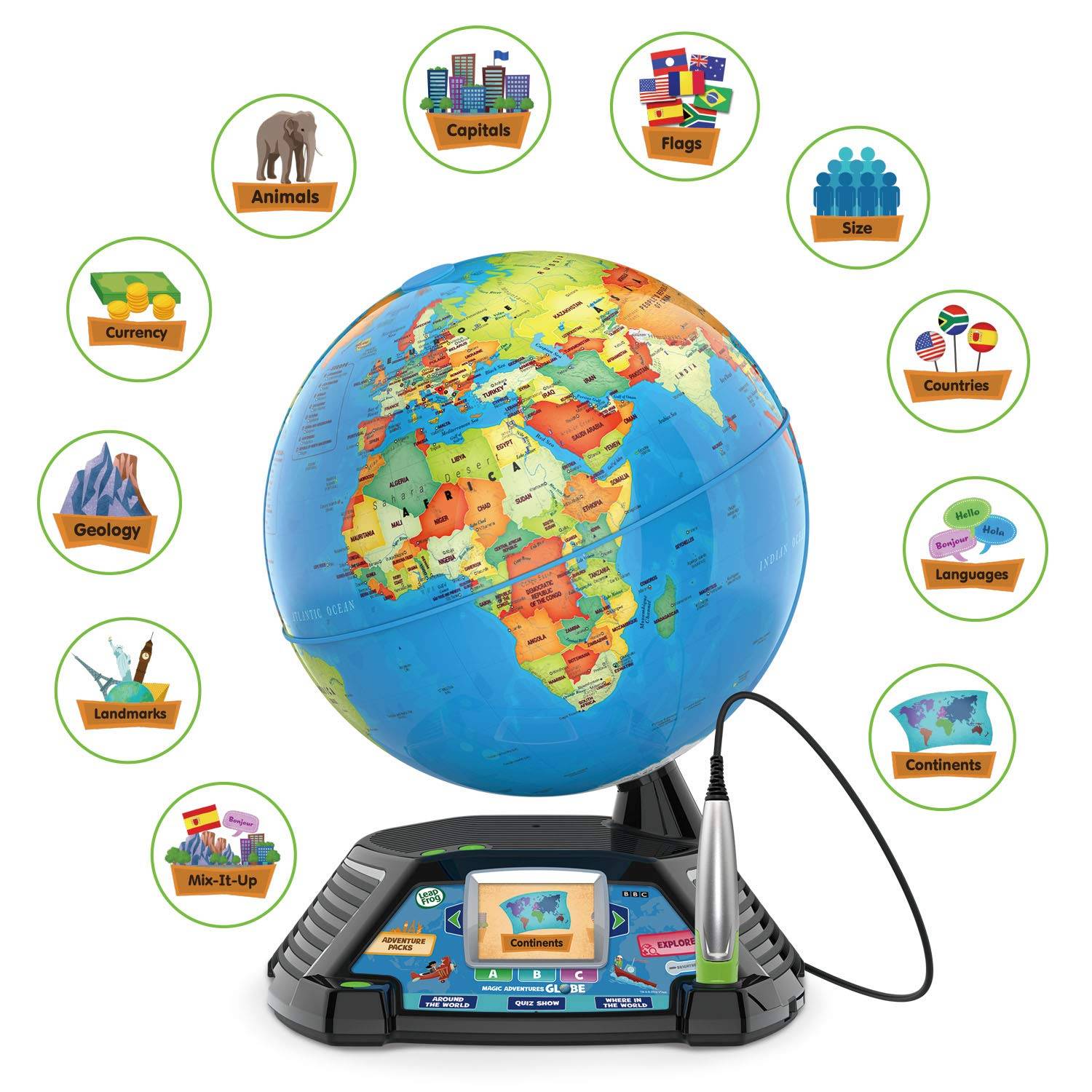 Educational Toys
 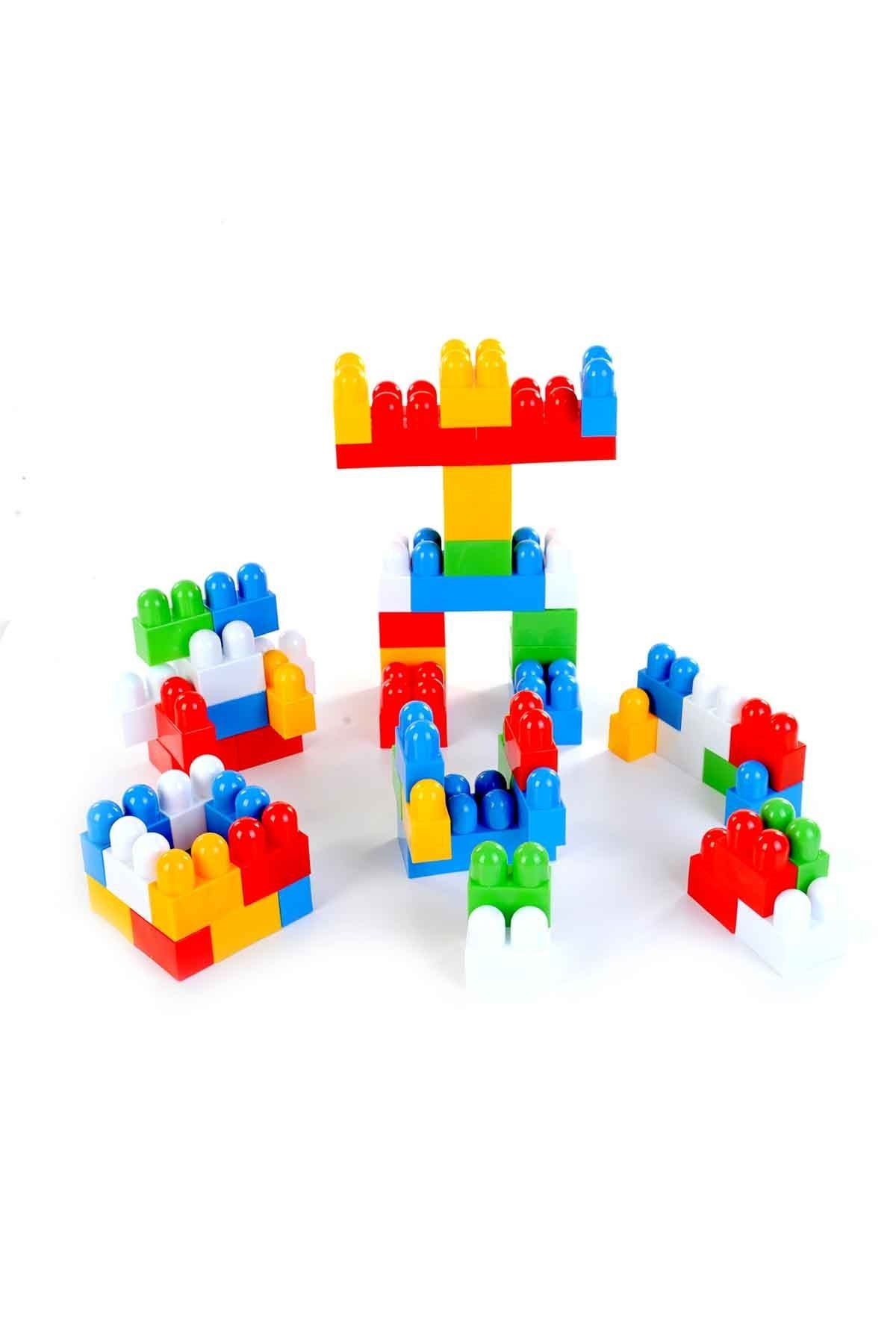 Building Toys




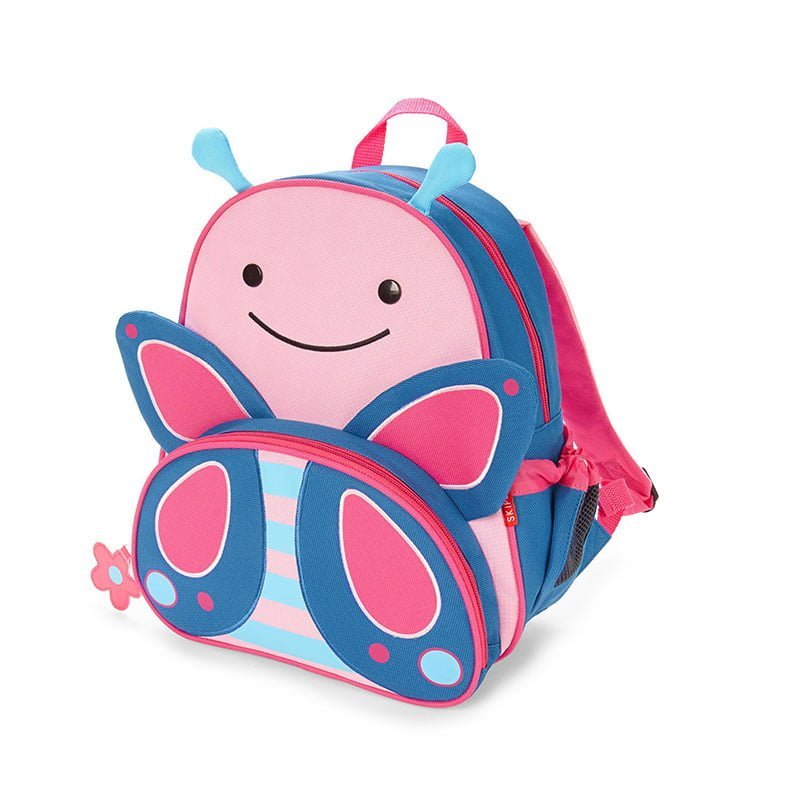 Nursery & KG Bags
 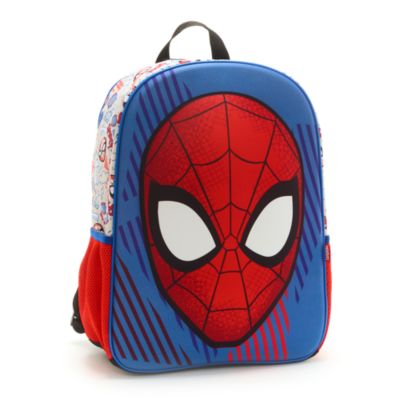 Kids' Backpacks
 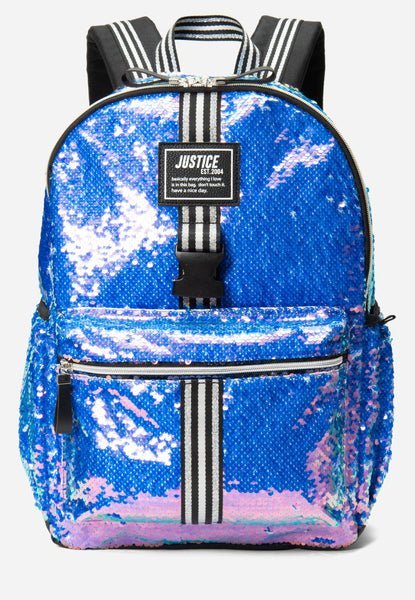 Large School Bags
 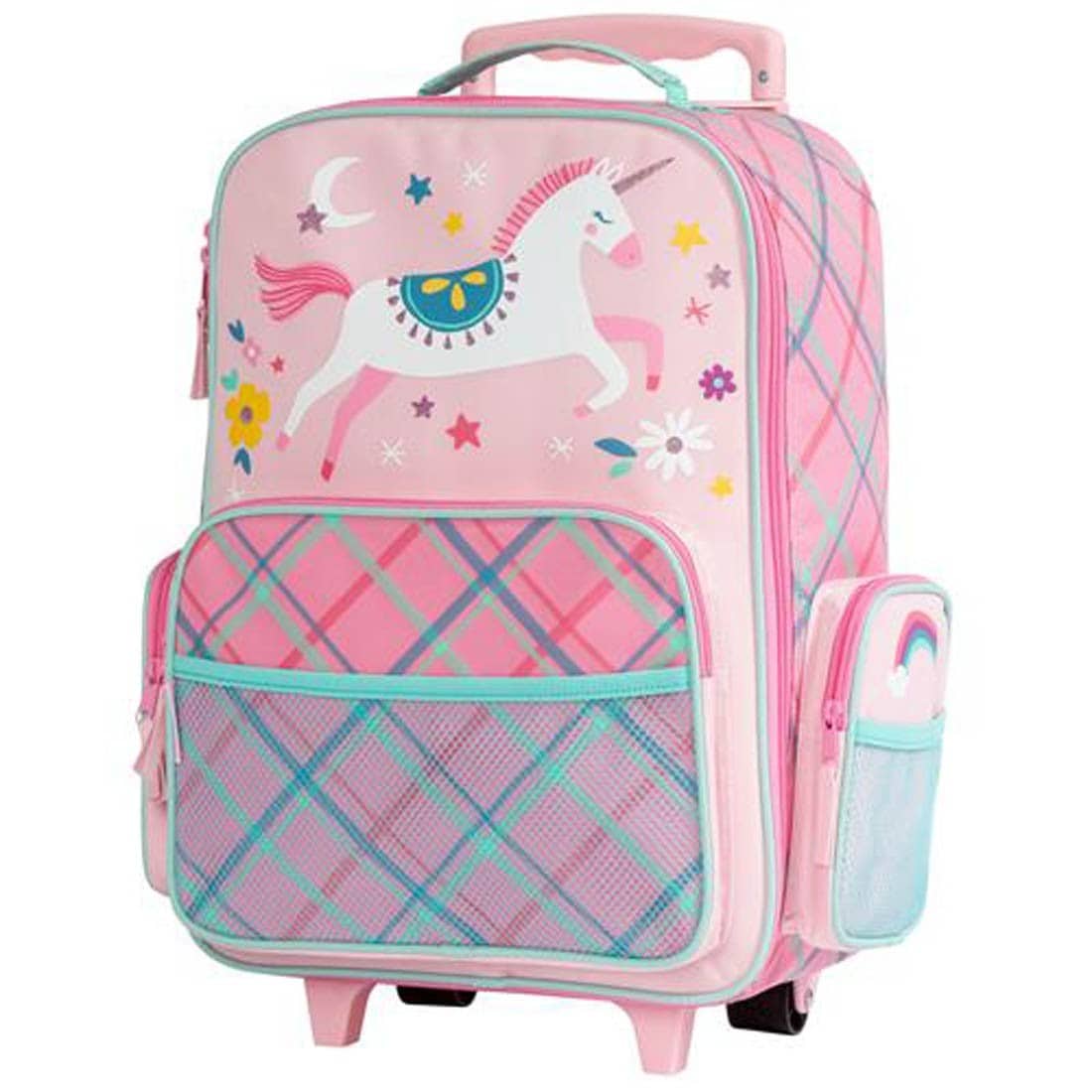 Rolling Bags
 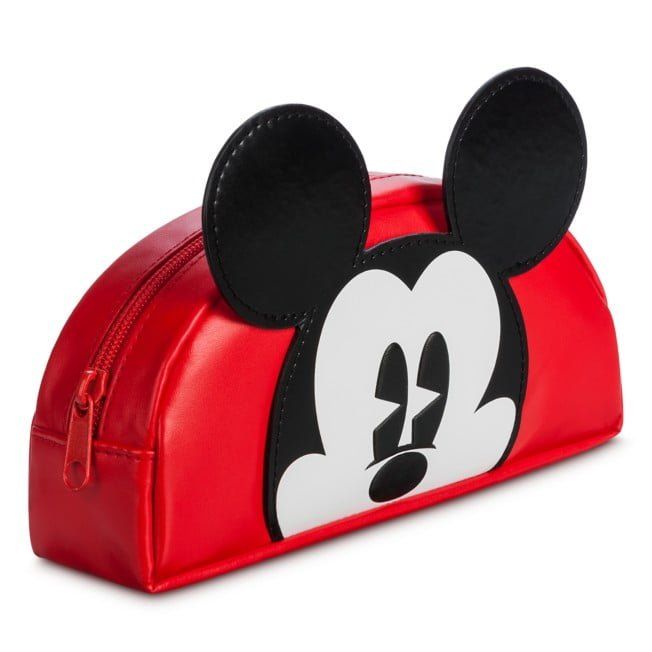 Pencil Cases
 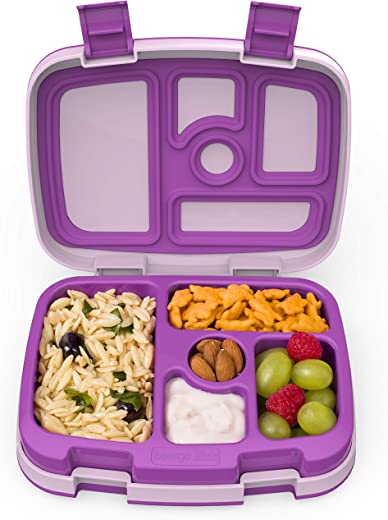 Lunch Boxes
 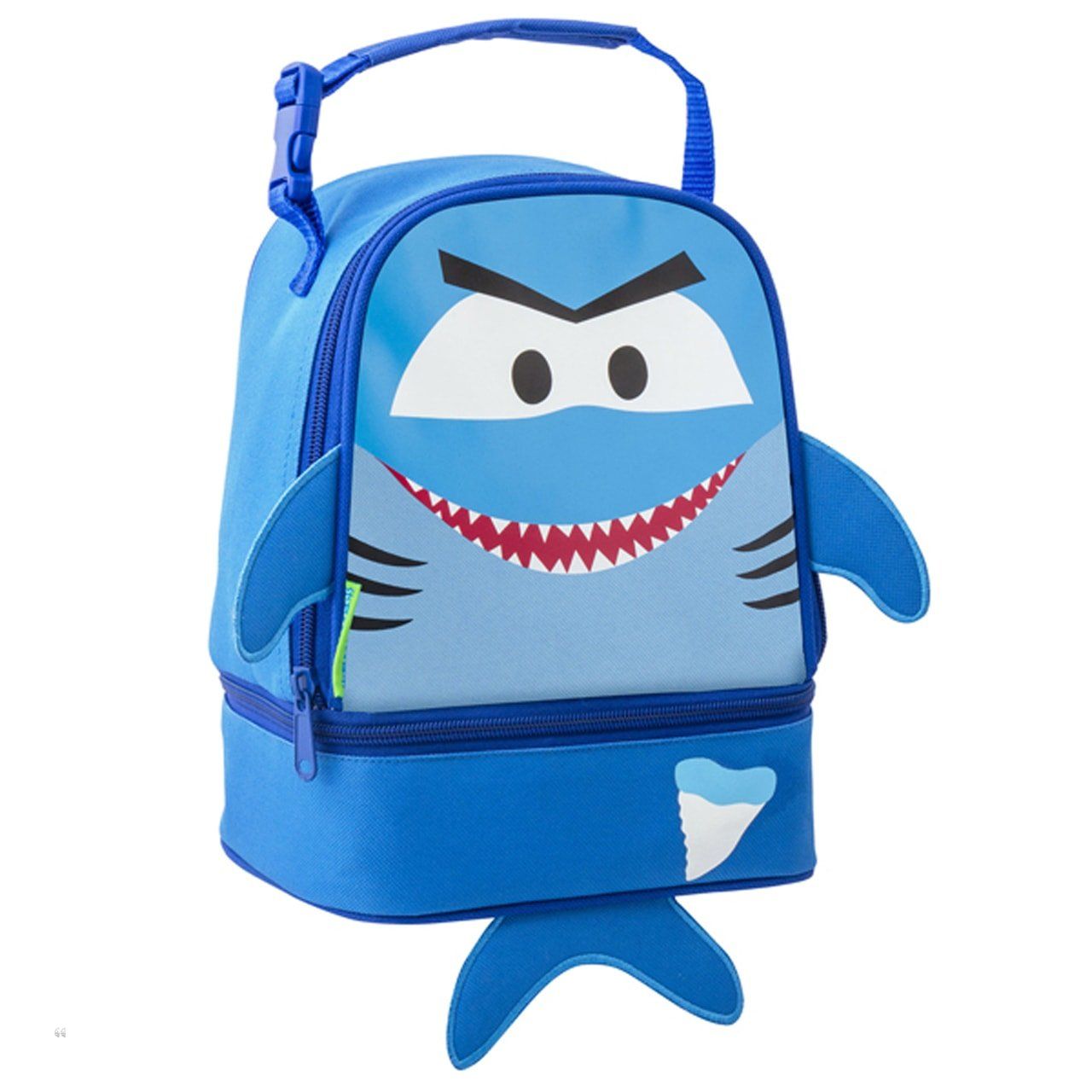 Lunch Bags
 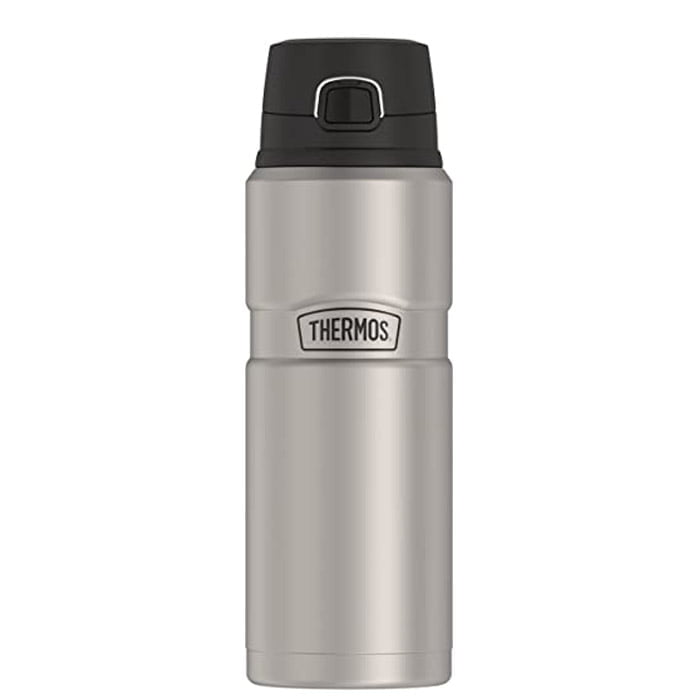 Stainless Steel Water Bottles
 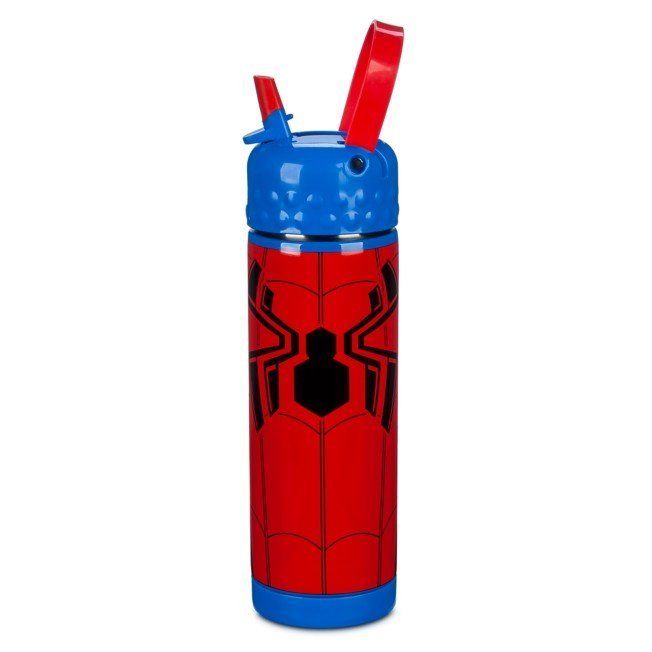 Plastic Water Bottles

Data Deletion Instruction
According to the Facebook Apps and Websites Platform rules, we have to provide Data Deletion Instructions URL. If you want to delete your activities for the Le3abStore website, you can remove them by following the instructions below.
1. Go to Your Facebook Account’s “Settings & Privacy”, then click on ”Settings“.
2. Next, go to “Apps and Websites” where you will see all of the activity related to apps and websites that are linked to your Facebook account.
3. Select the option box for Le3abStore and click on the “Remove” button.
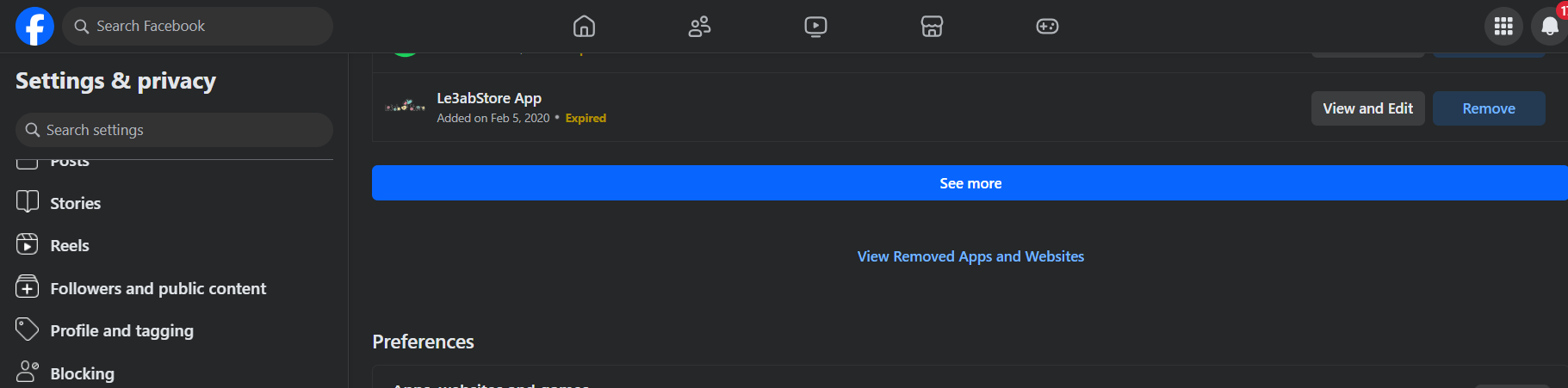
4. Mark the option boxes according to your preference and click on the “Remove” button.
If you wish to delete user account data, you have to request us to delete your account.
If you have any questions about this, please contact us: By email: info@le3abstore.com ,Your account will be deleted and all data will no longer be saved.