












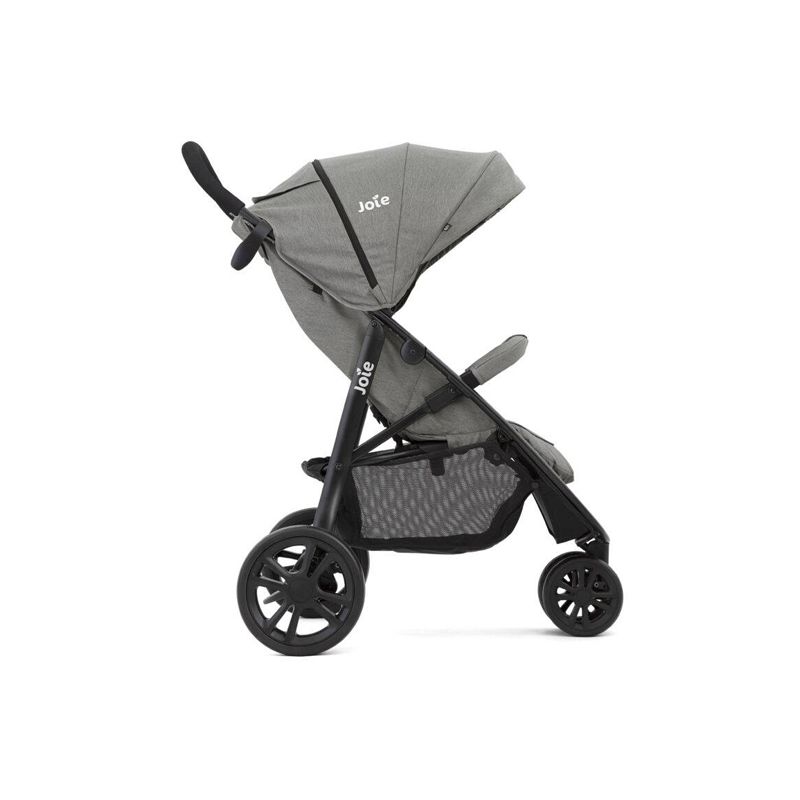
 عربيات الأطفال (ستروللر)
 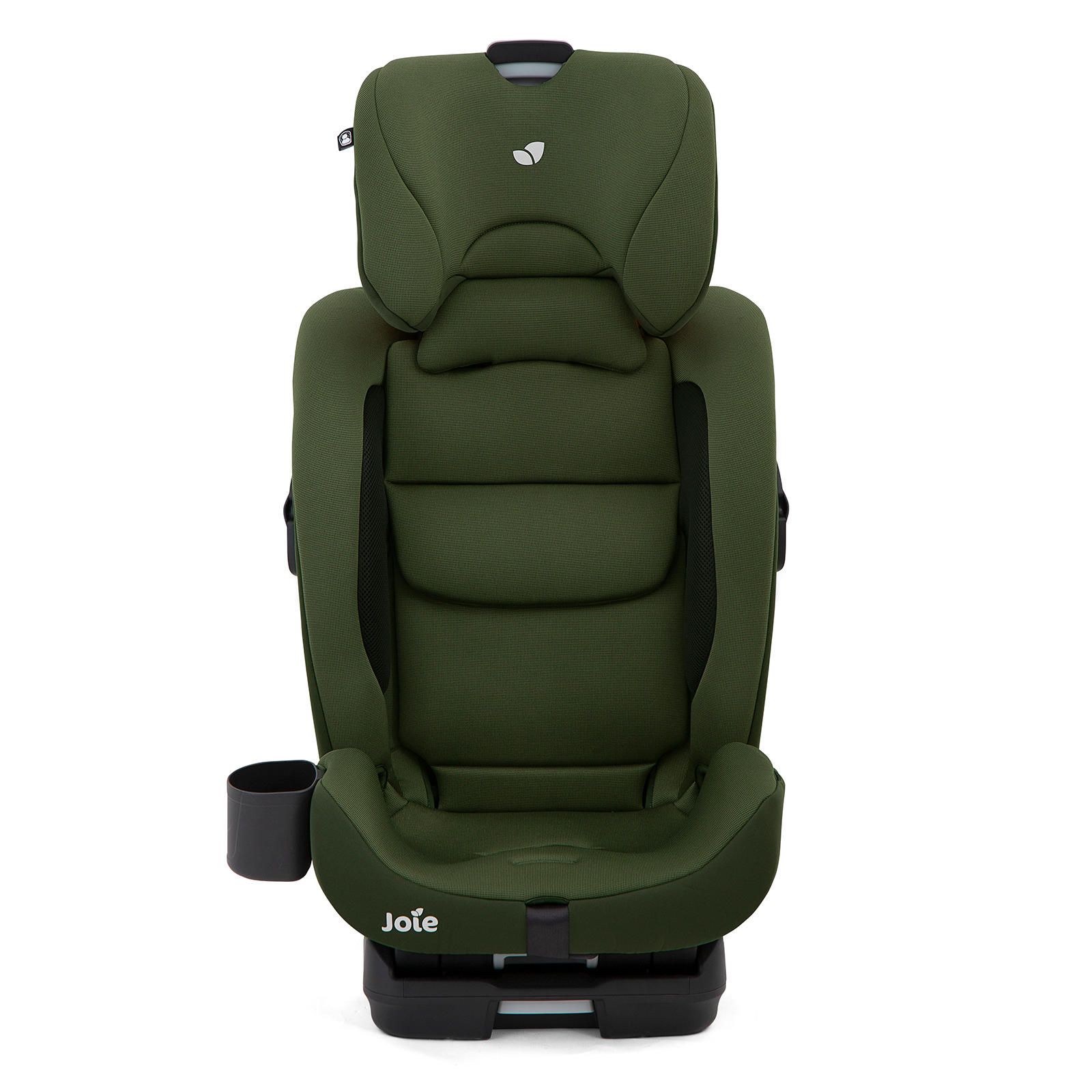 كراسي عربية (كارسيت)
 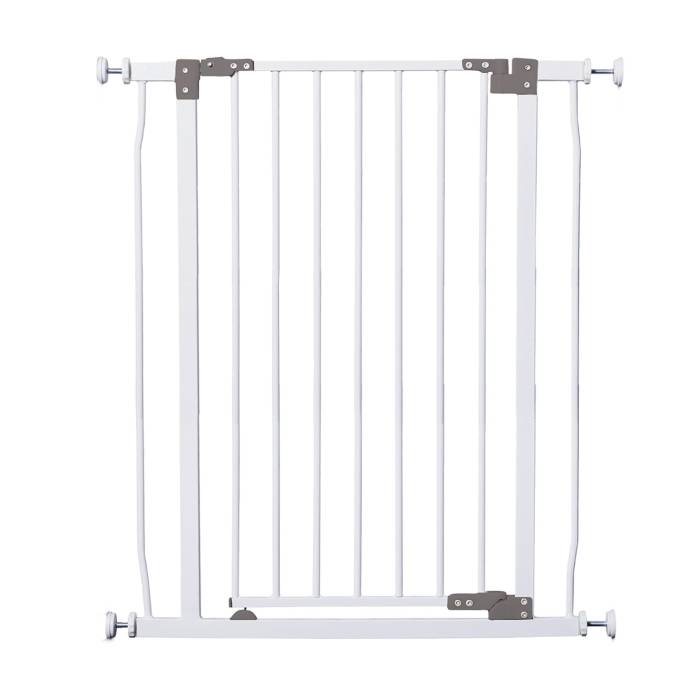 حواجز أمان
 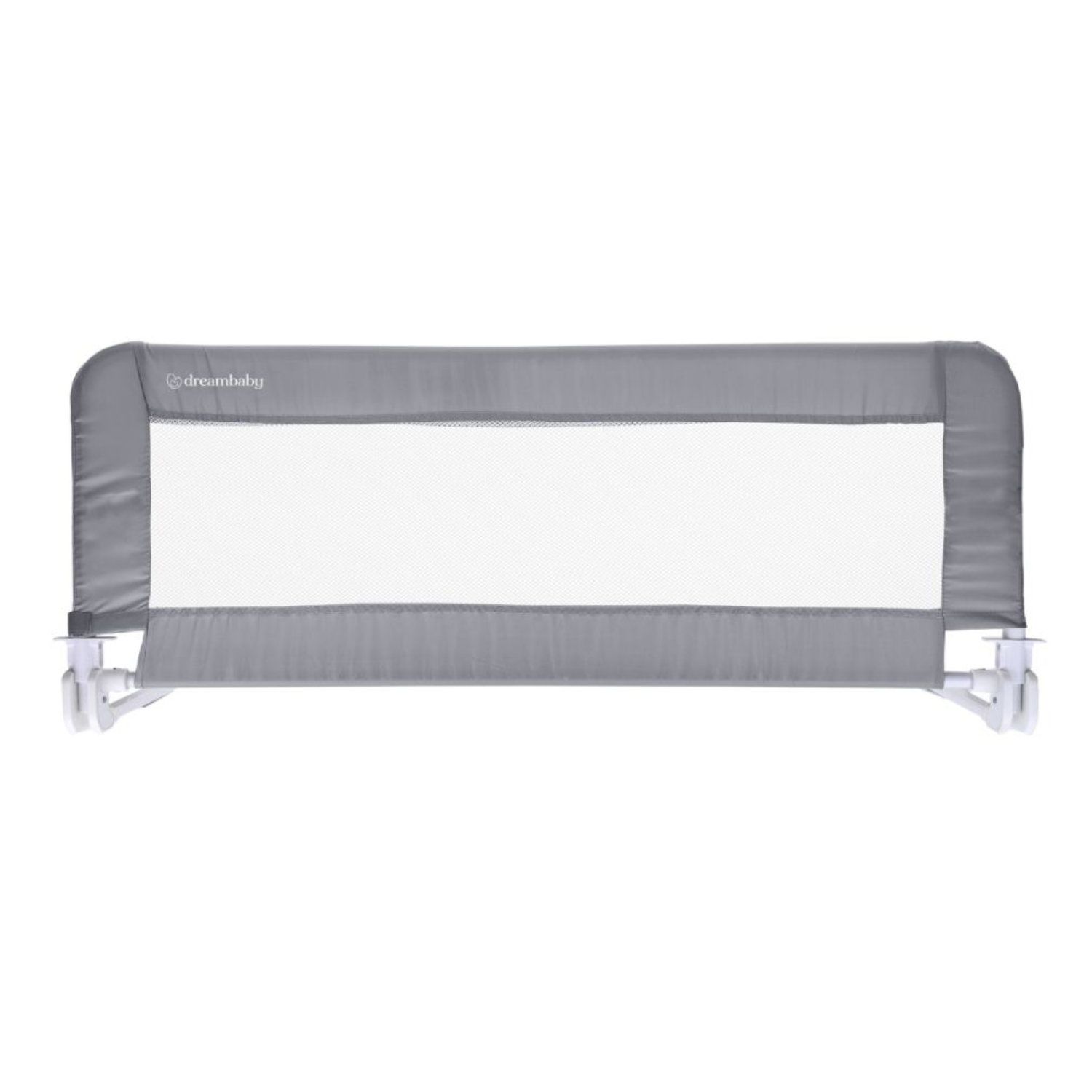 حواجز سرير
 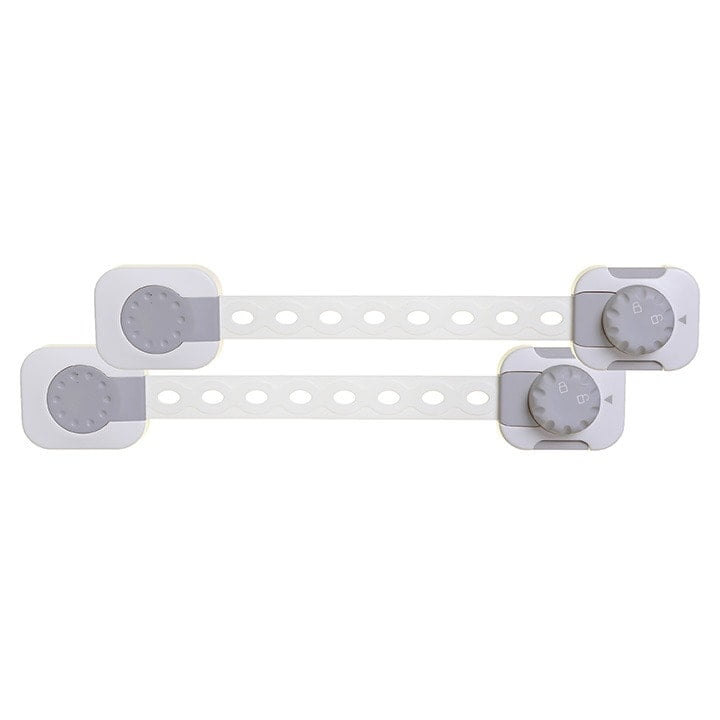 تأمين البيت
 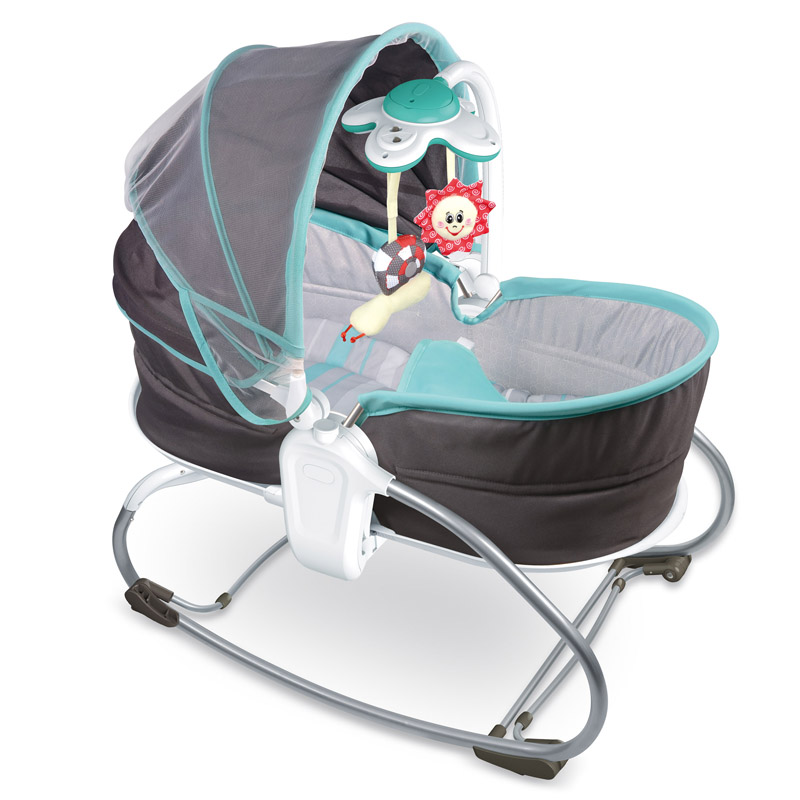 سراير نوم وسفر
 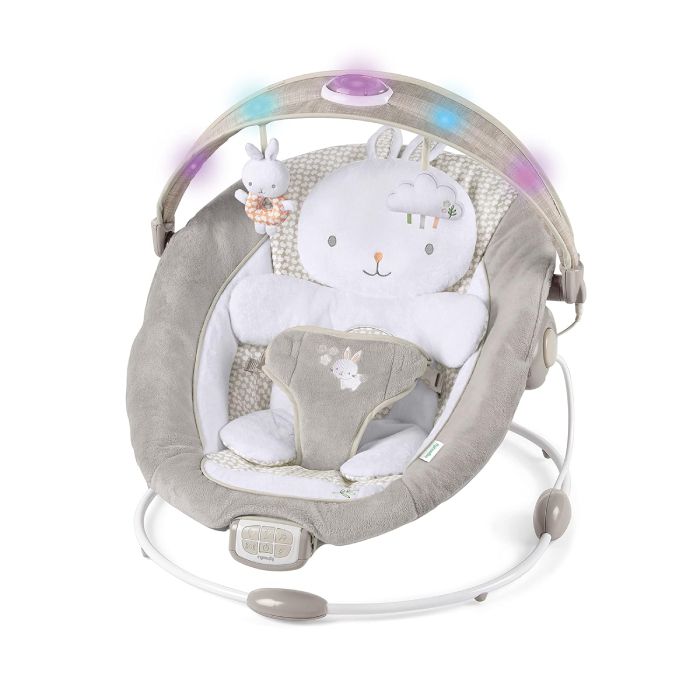 كراسي هزازه وسوينج
  سجادة ملاهي ونطاطة
 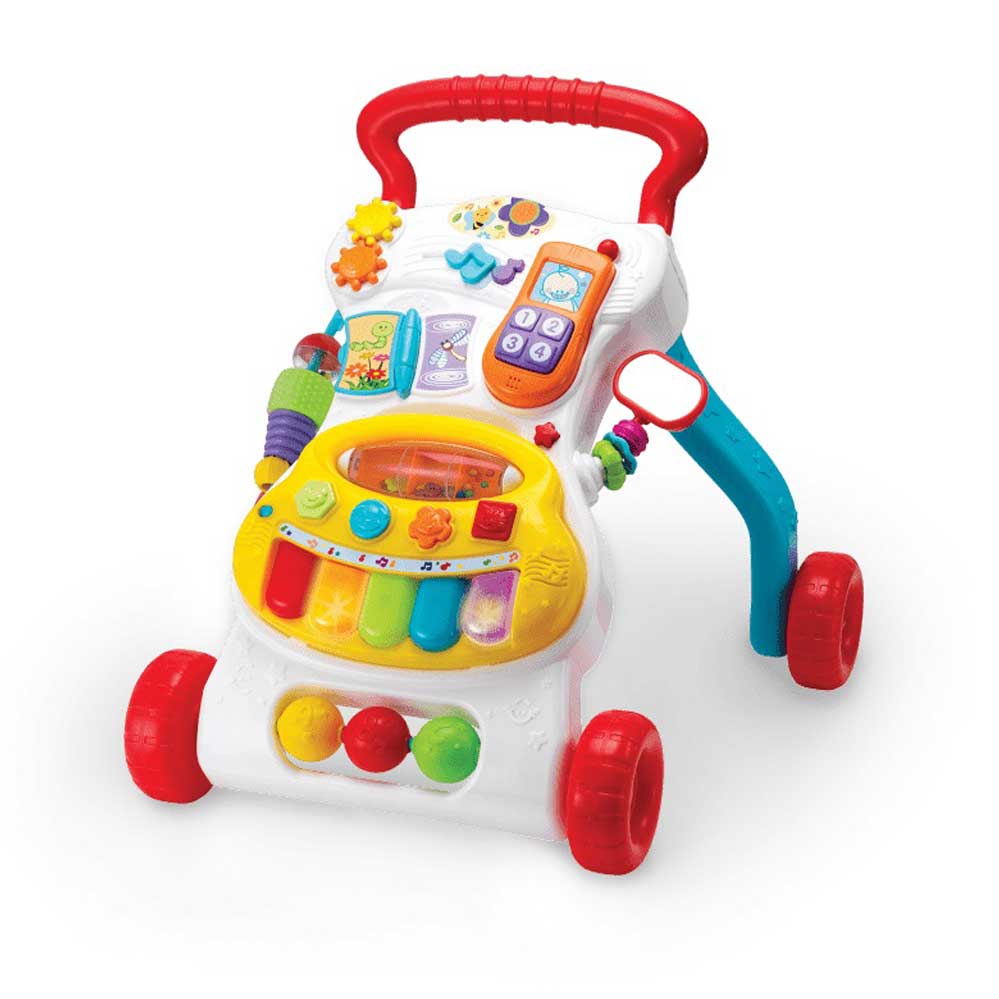 مشايات
 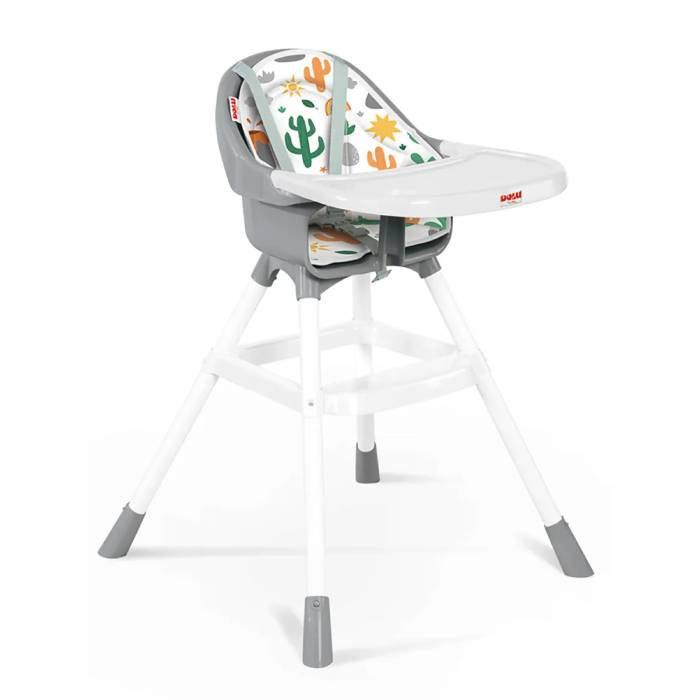 كراس الأكل
 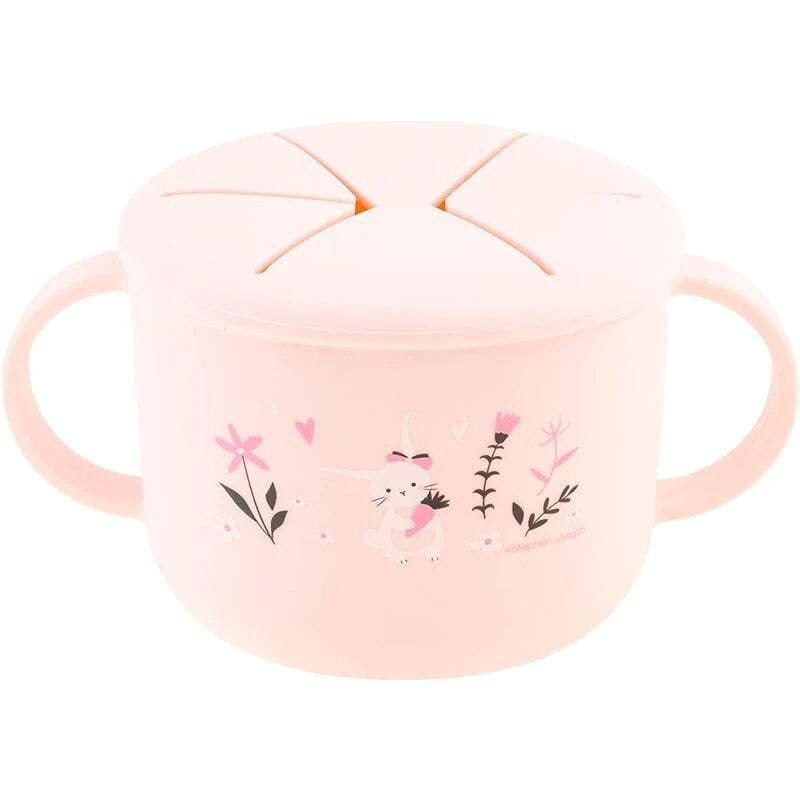 مستلزمات الأكل والرضاعة
 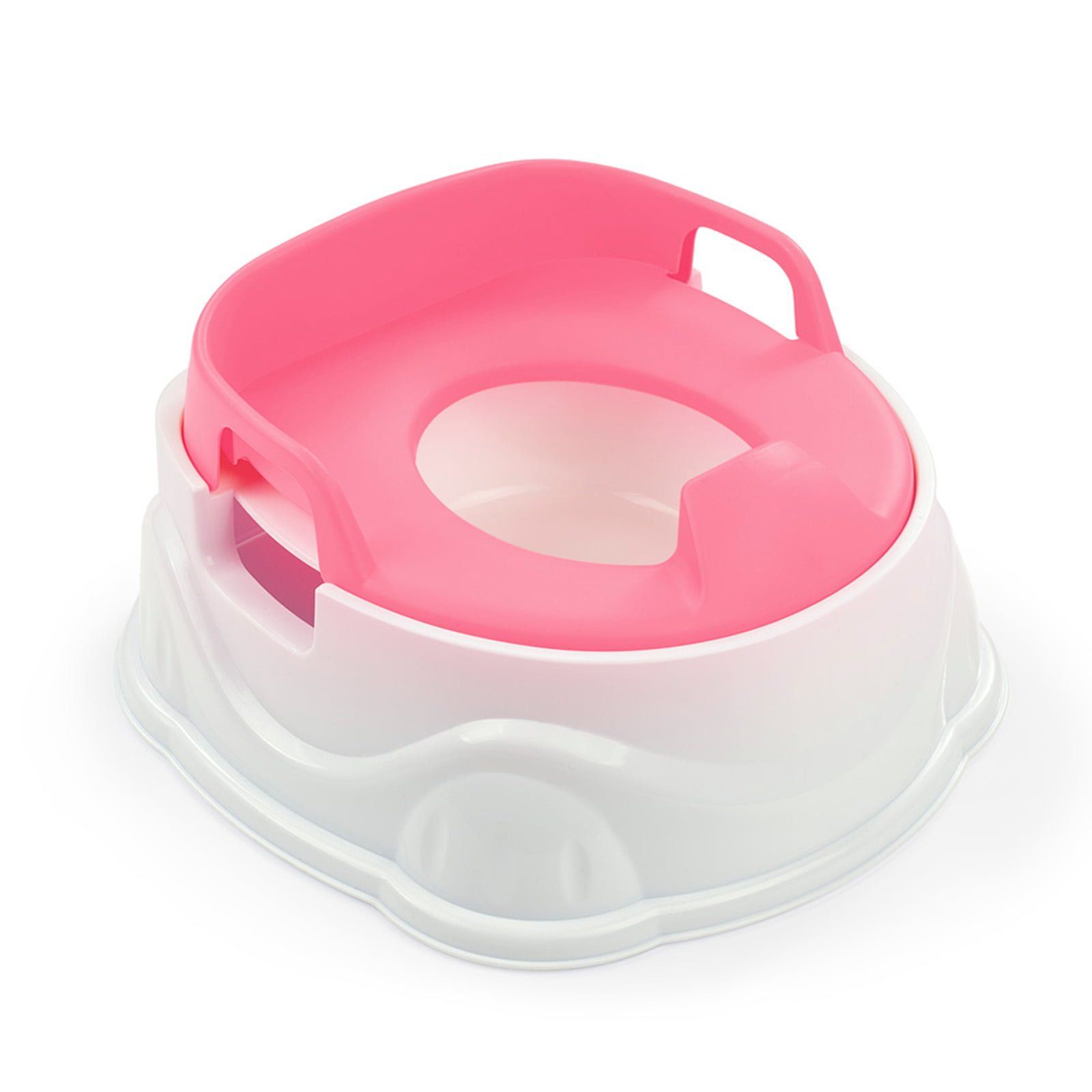 بوتى تريننج
 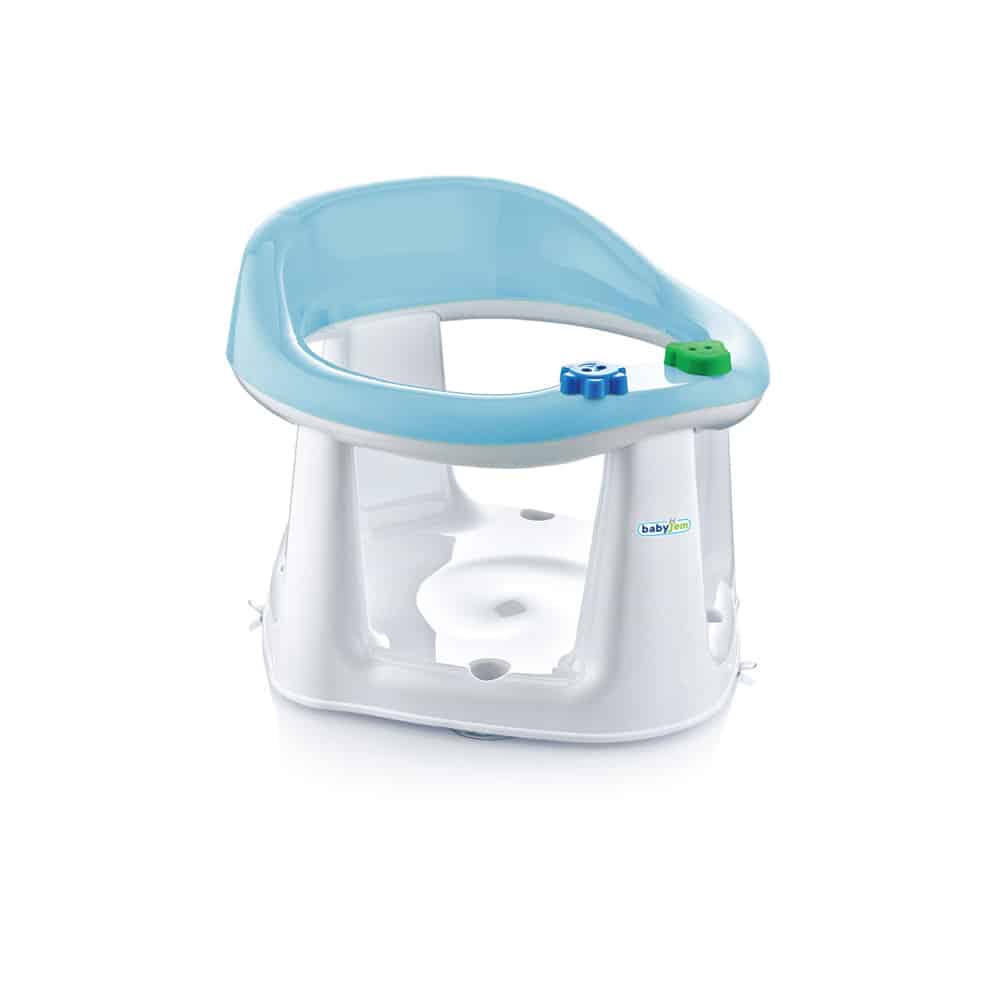 كراسي ومستلزمات الاستحمام
 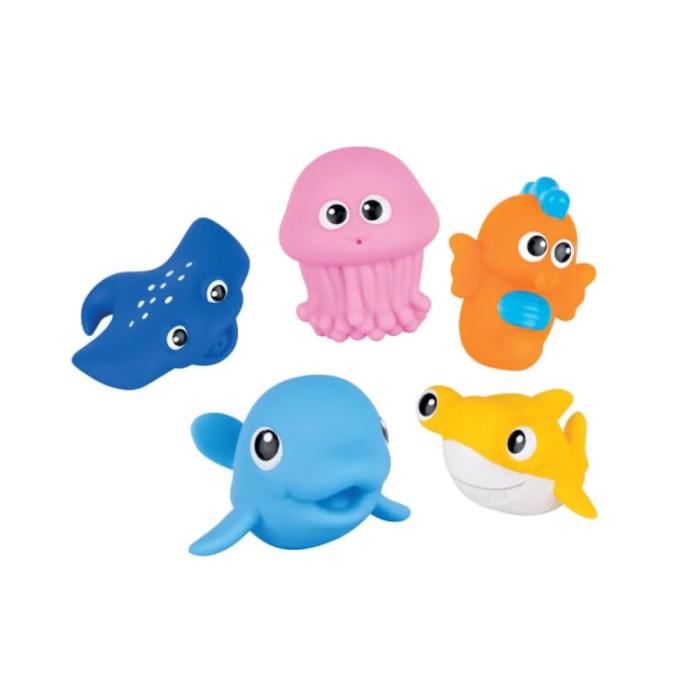 لعب الاستحمام
  عضاضات وشخاليل
  لعب البيبي




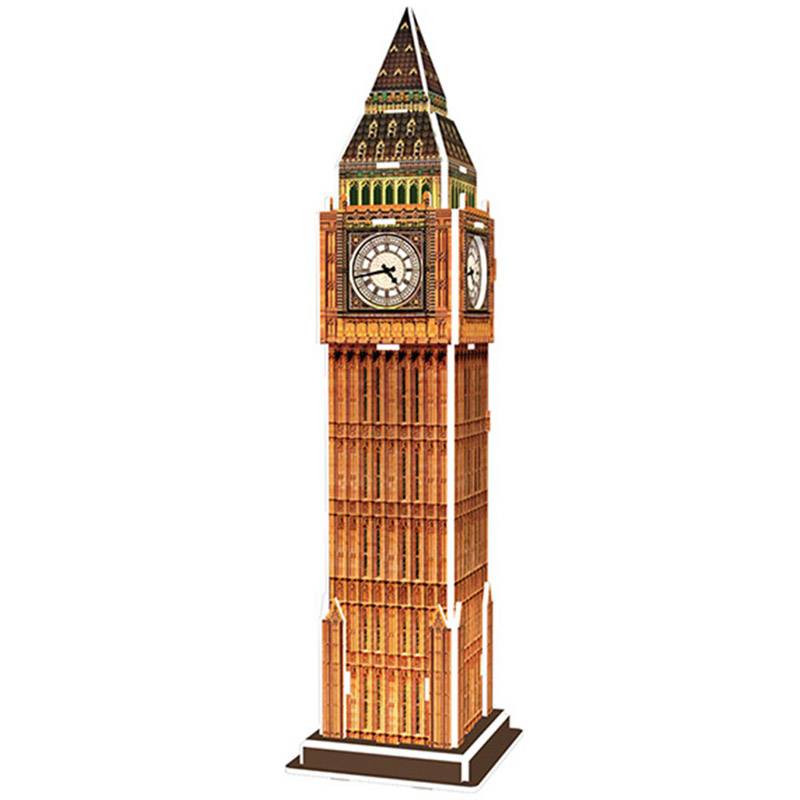 بازل ثلاثي الأبعاد
  بازل
بازل 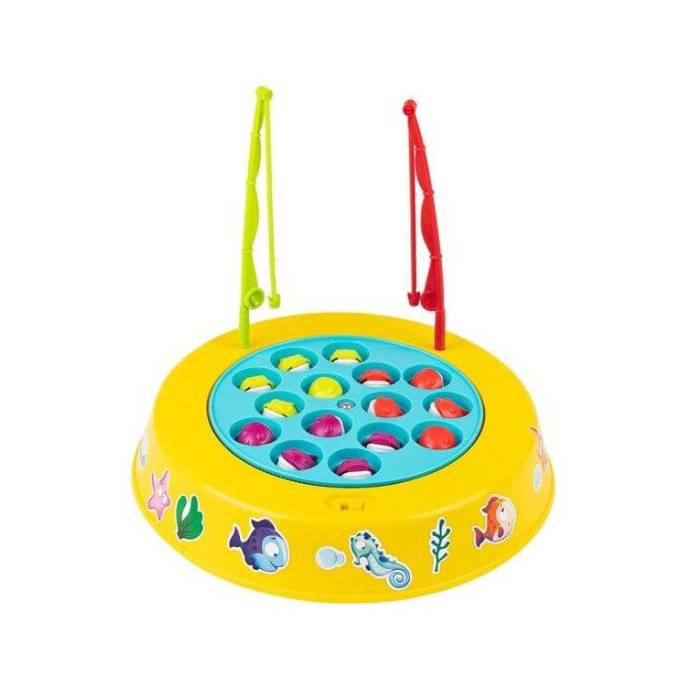 لعب جماعية
 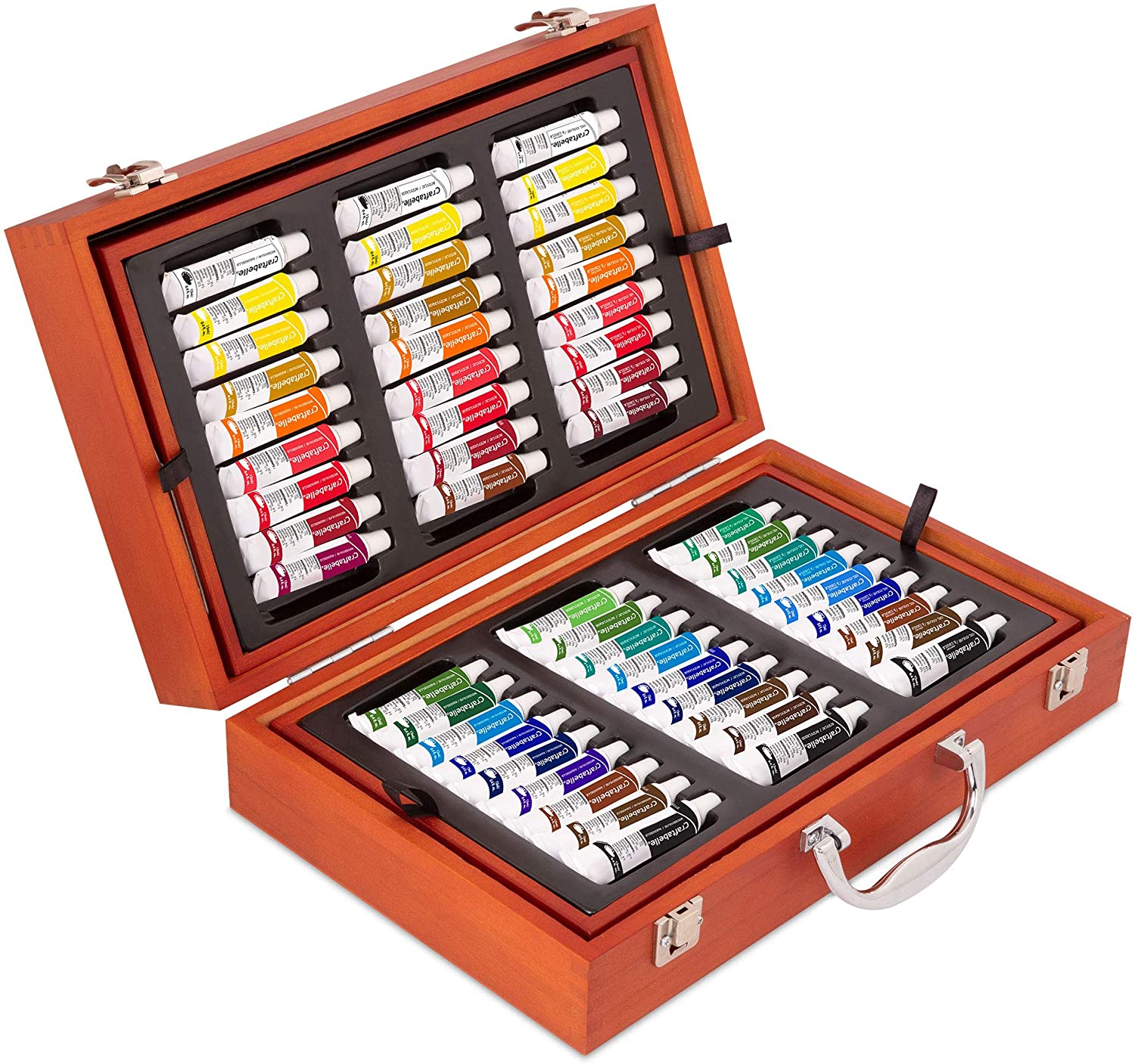 لعب فنية وأعمال يدوية
 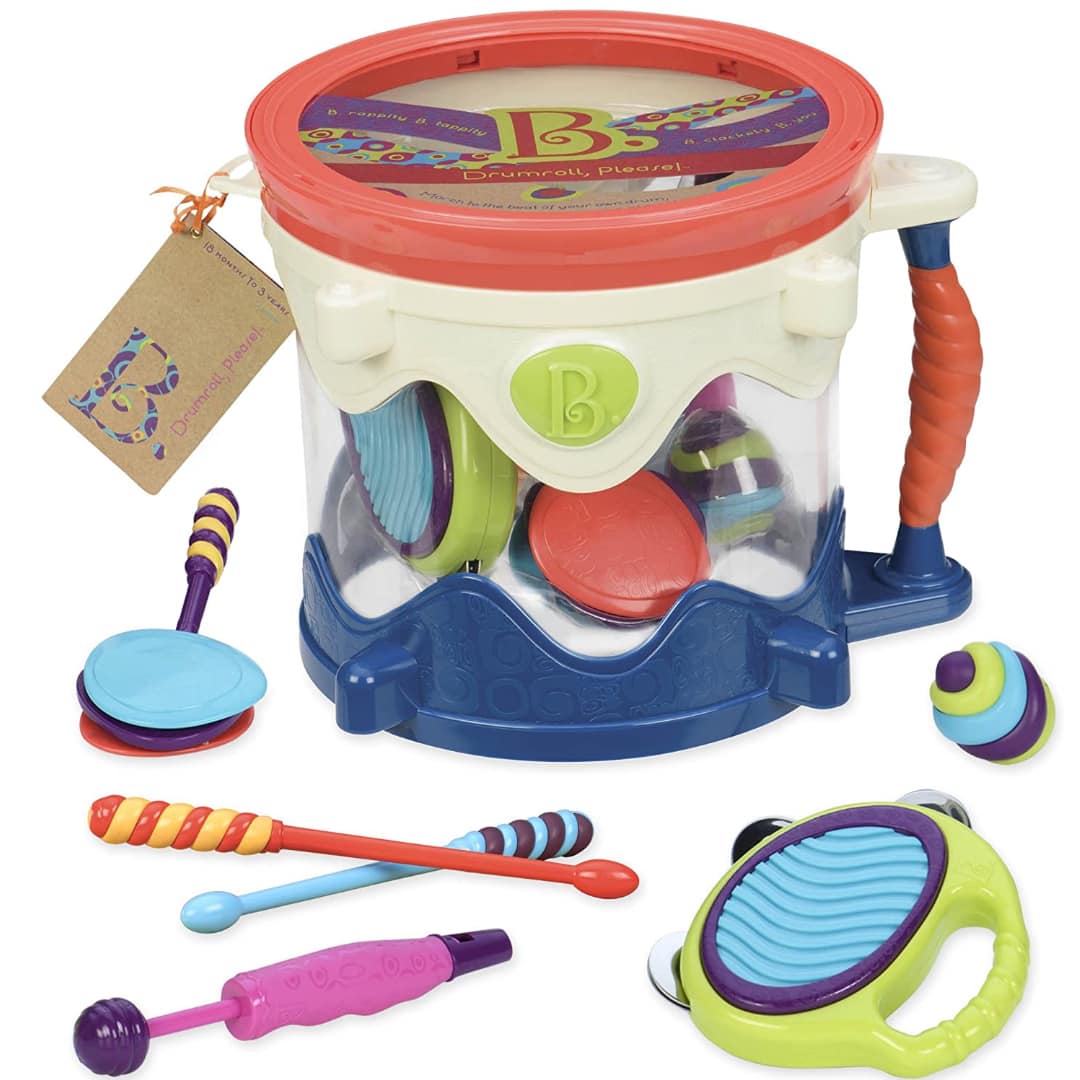 لعب موسيقية
 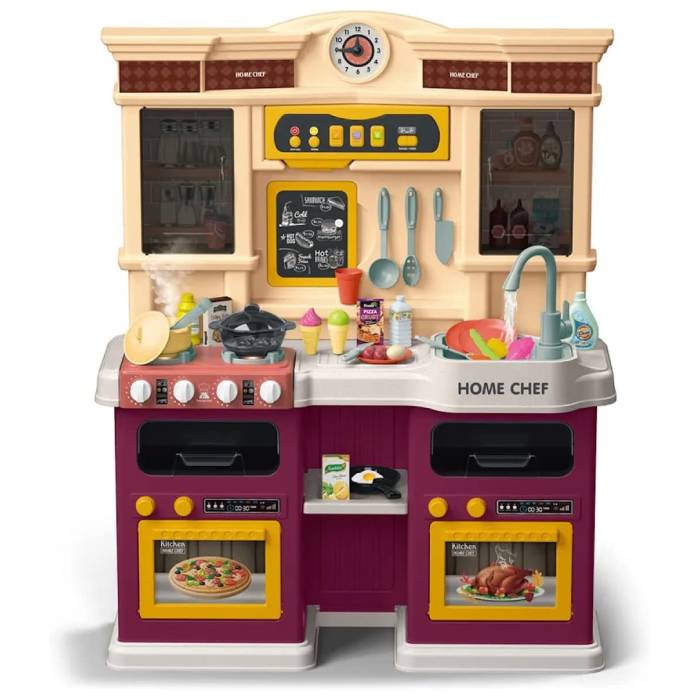 مطابخ
مطابخ 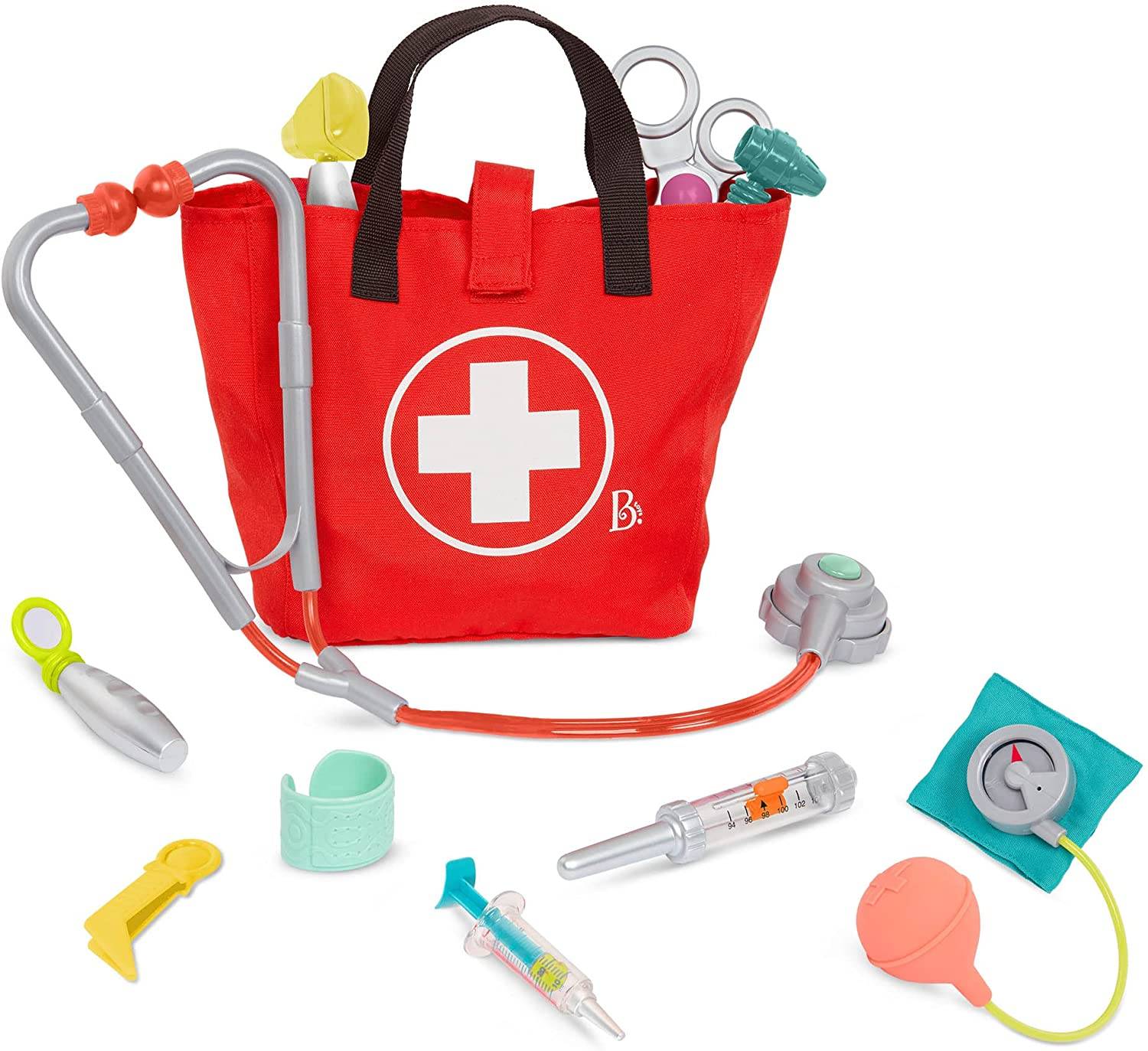 وظائف وشخصيات
  مجسم شخصيات
 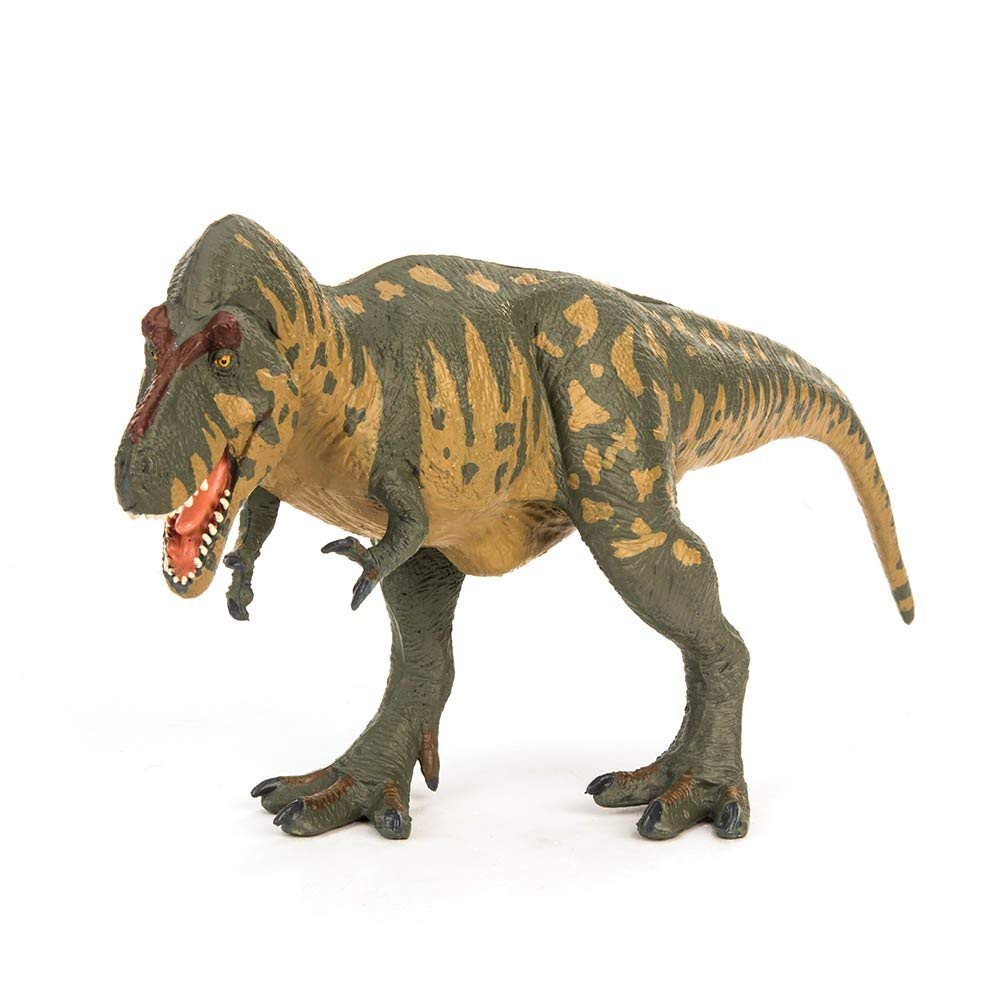 مجسم حيوانات
 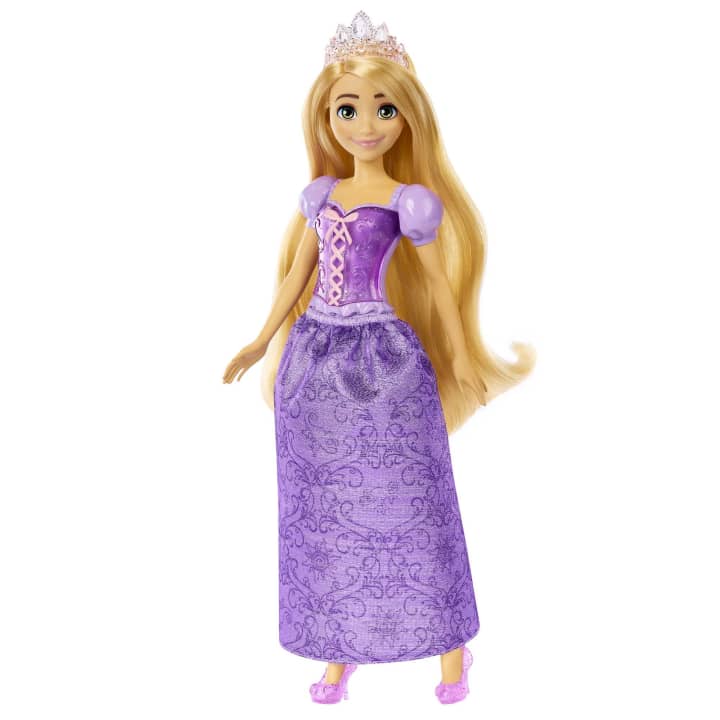 عرائس
عرائس 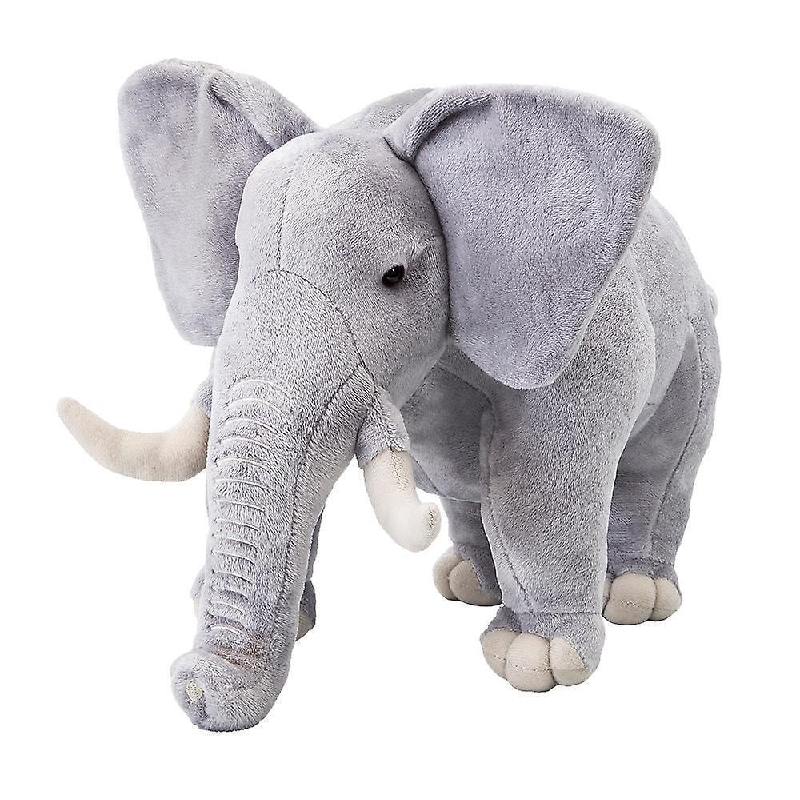 لعب سوفت
 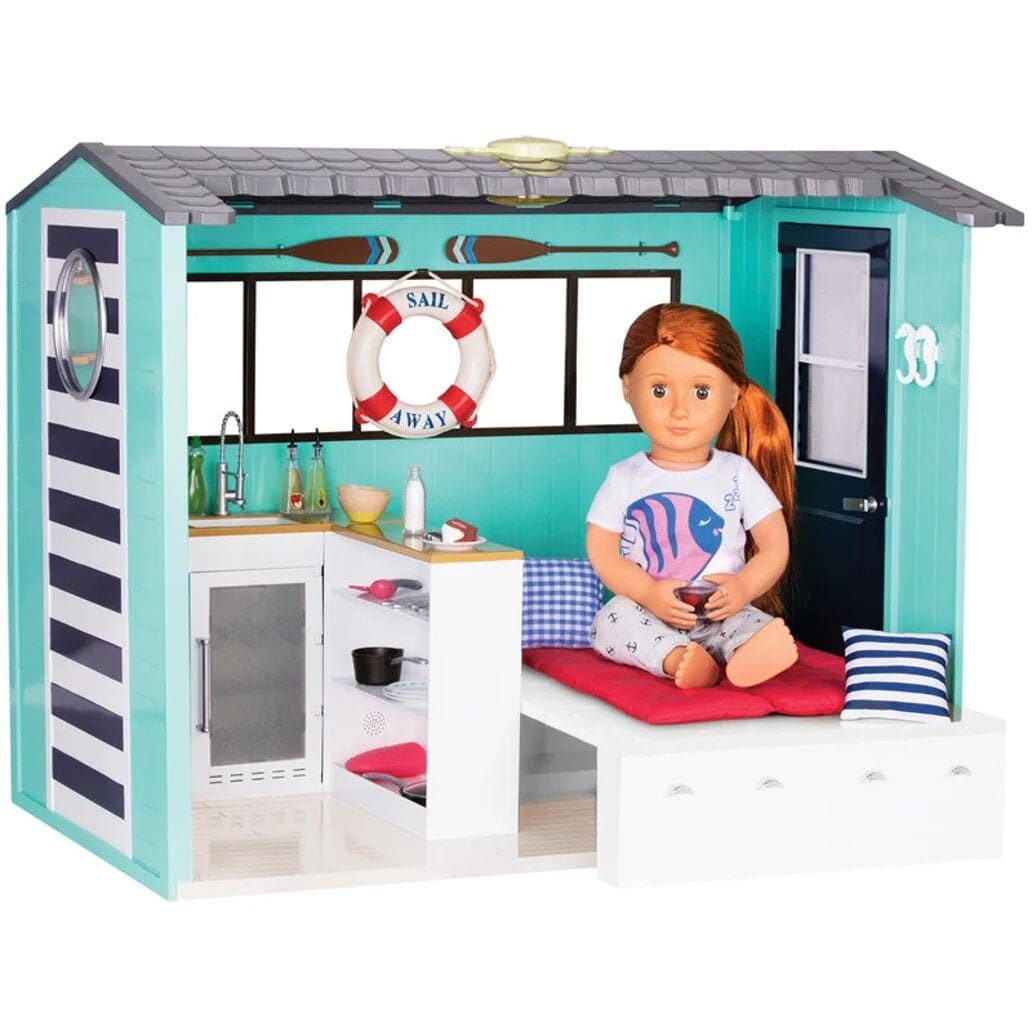 بيت وإكسسوارات العرائس
  لعب الركوب
 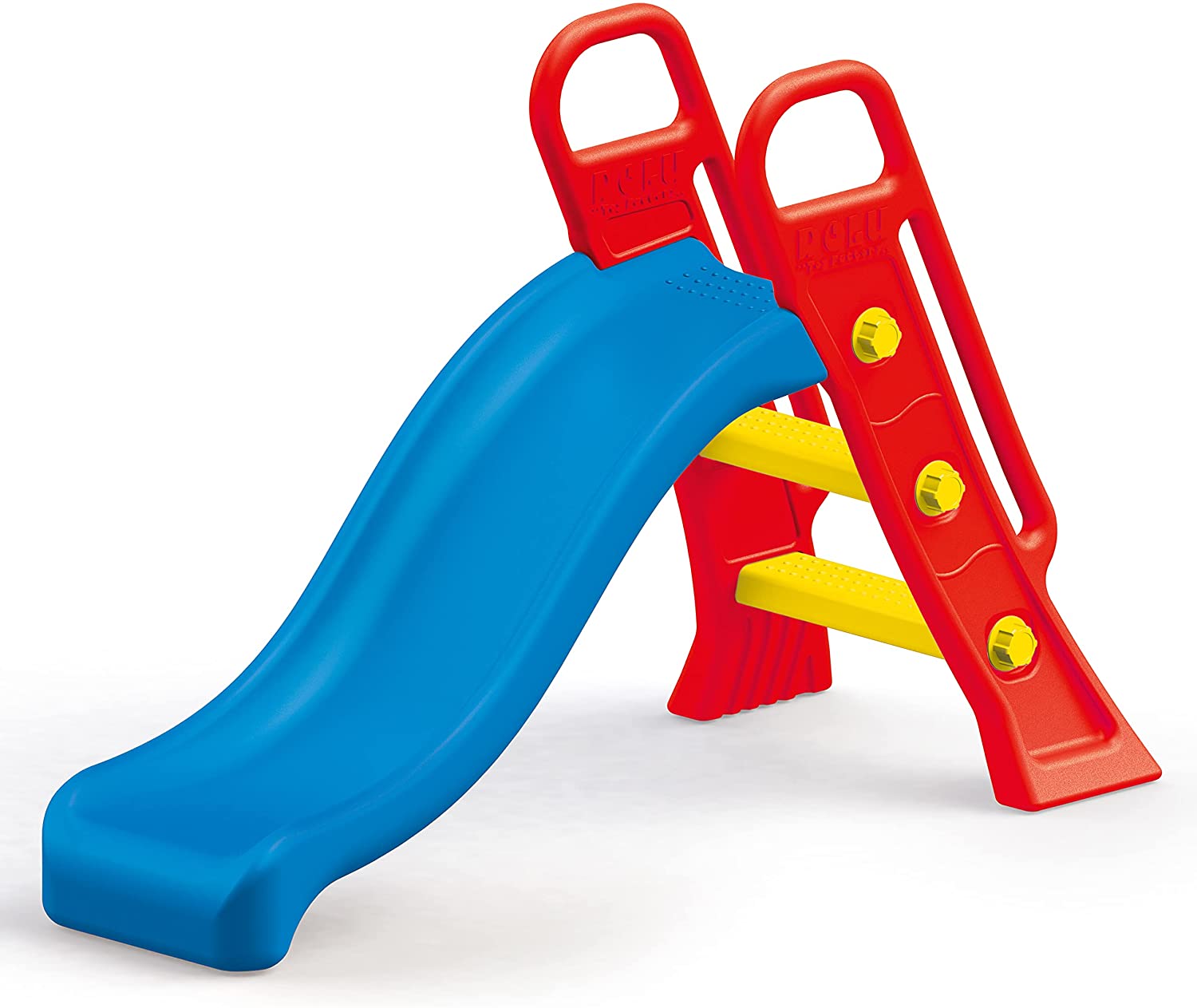 لعب الجنينة
  حمامات السباحة
 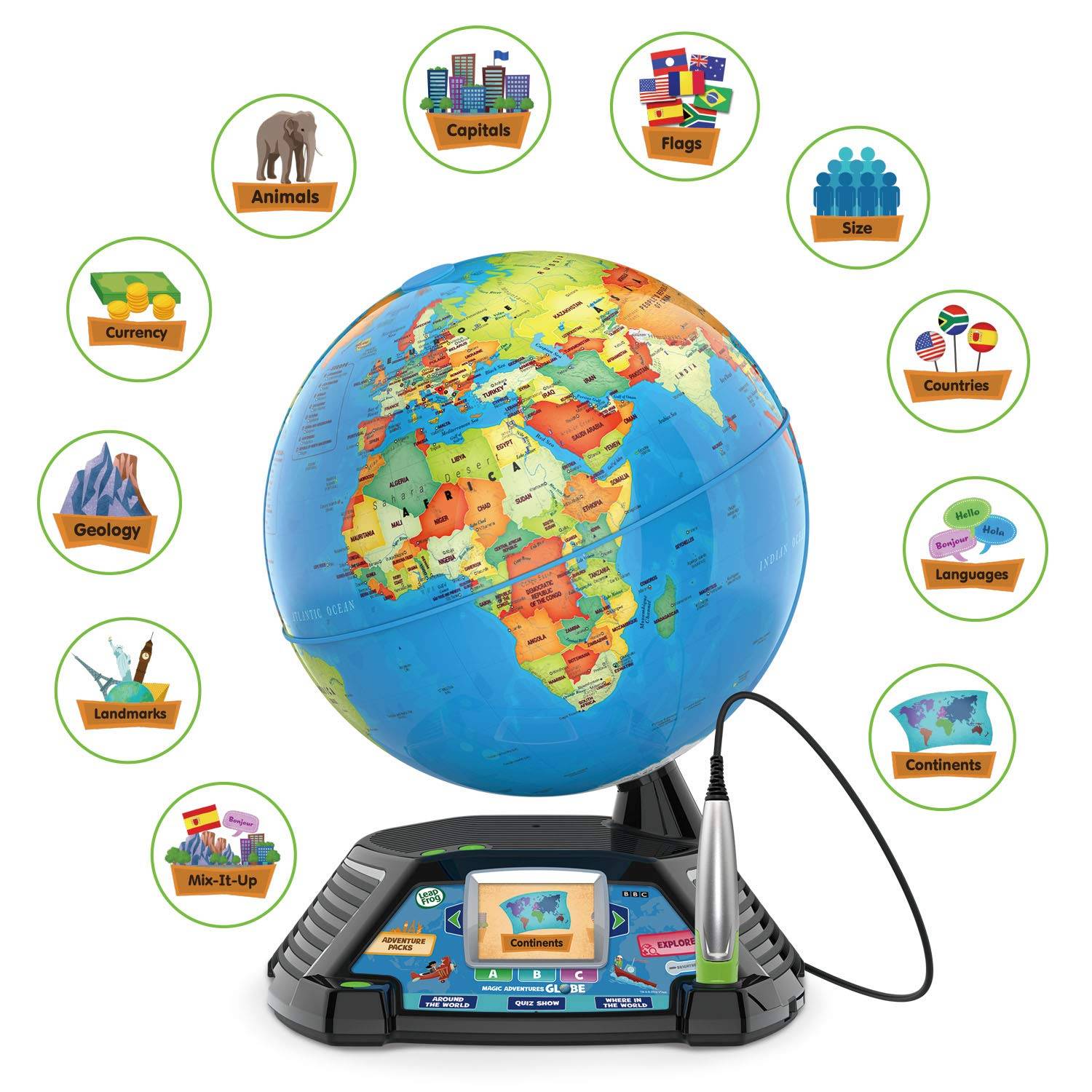 لعب تعليمية
 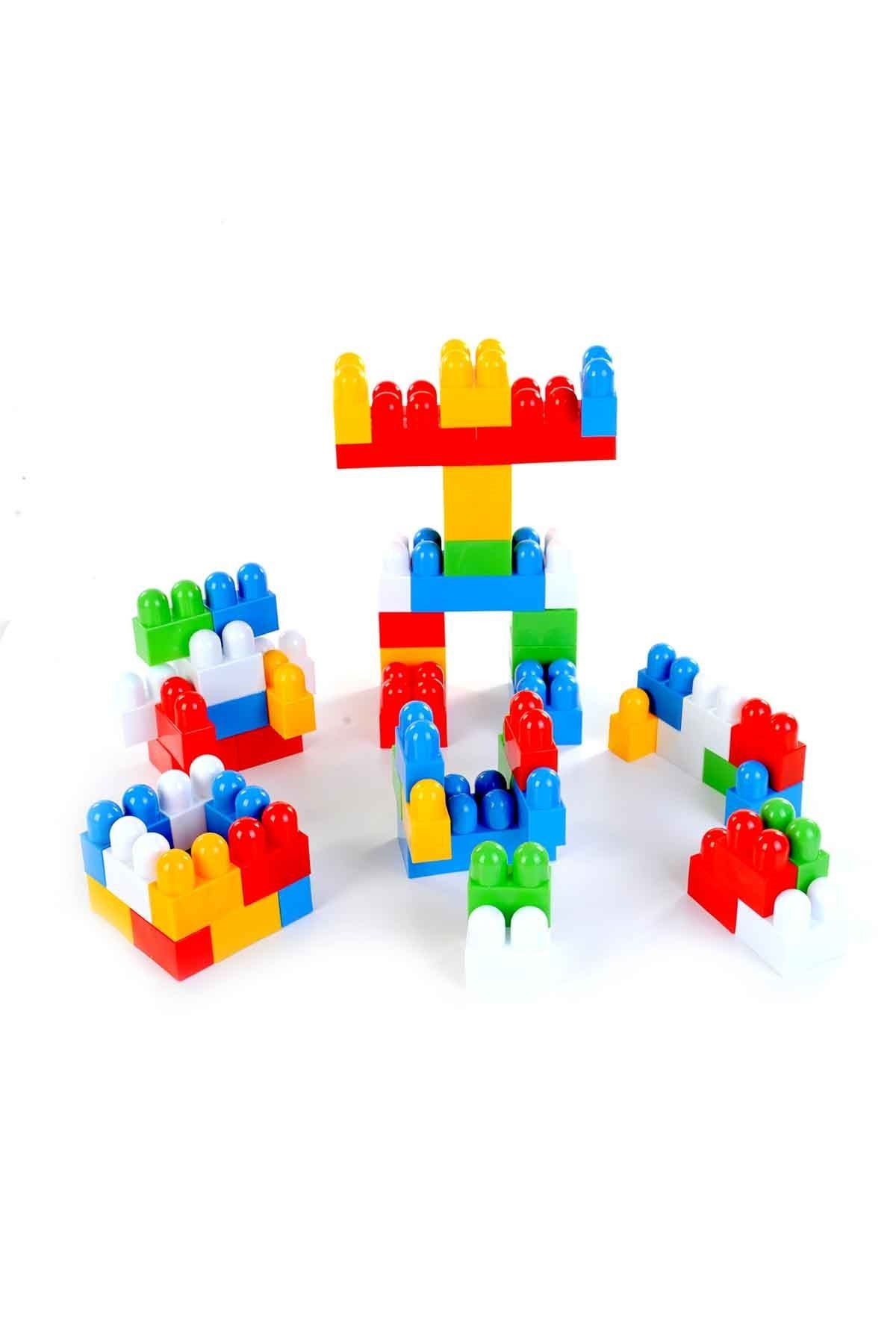 البناء والمكعبات




Data Deletion Instruction
According to the Facebook Apps and Websites Platform rules, we have to provide Data Deletion Instructions URL. If you want to delete your activities for the Le3abStore website, you can remove them by following the instructions below.
1. Go to Your Facebook Account’s “Settings & Privacy”, then click on ”Settings“.
2. Next, go to “Apps and Websites” where you will see all of the activity related to apps and websites that are linked to your Facebook account.
3. Select the option box for Le3abStore and click on the “Remove” button.
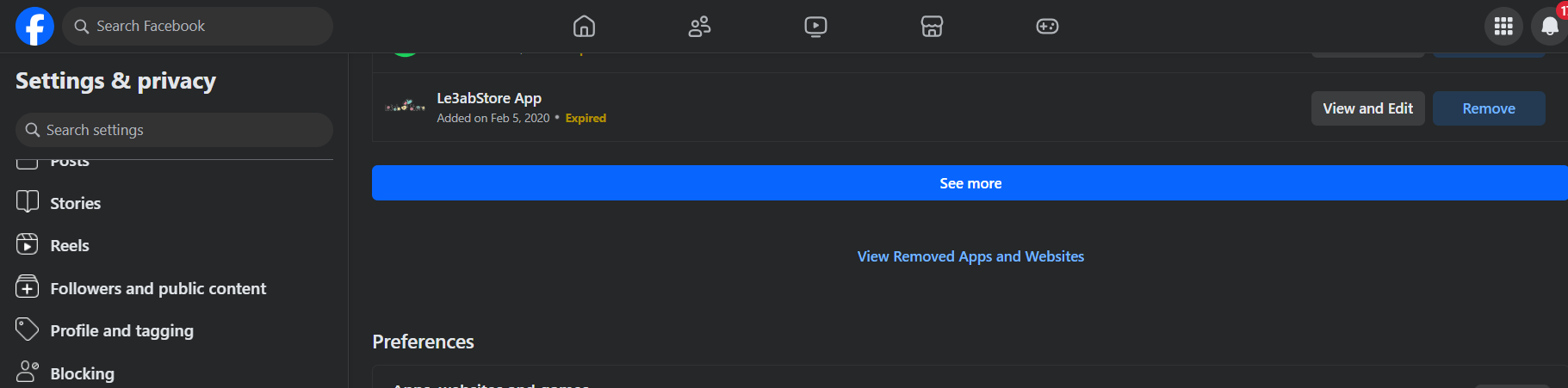
4. Mark the option boxes according to your preference and click on the “Remove” button.
If you wish to delete user account data, you have to request us to delete your account.
If you have any questions about this, please contact us: By email: info@le3abstore.com ,Your account will be deleted and all data will no longer be saved.